Blogs
Academics
Pre-K to 8
Admission
Upper School
Technology

Technology in the Classroom

May 7, 2013 2:40 PM
Stefan Eady - Faculty profile photo

By Stefan Eady - Faculty

This photo essay illustrates how much Darlington students and teachers have already accomplished when it comes to integrating technology into all of their classes.
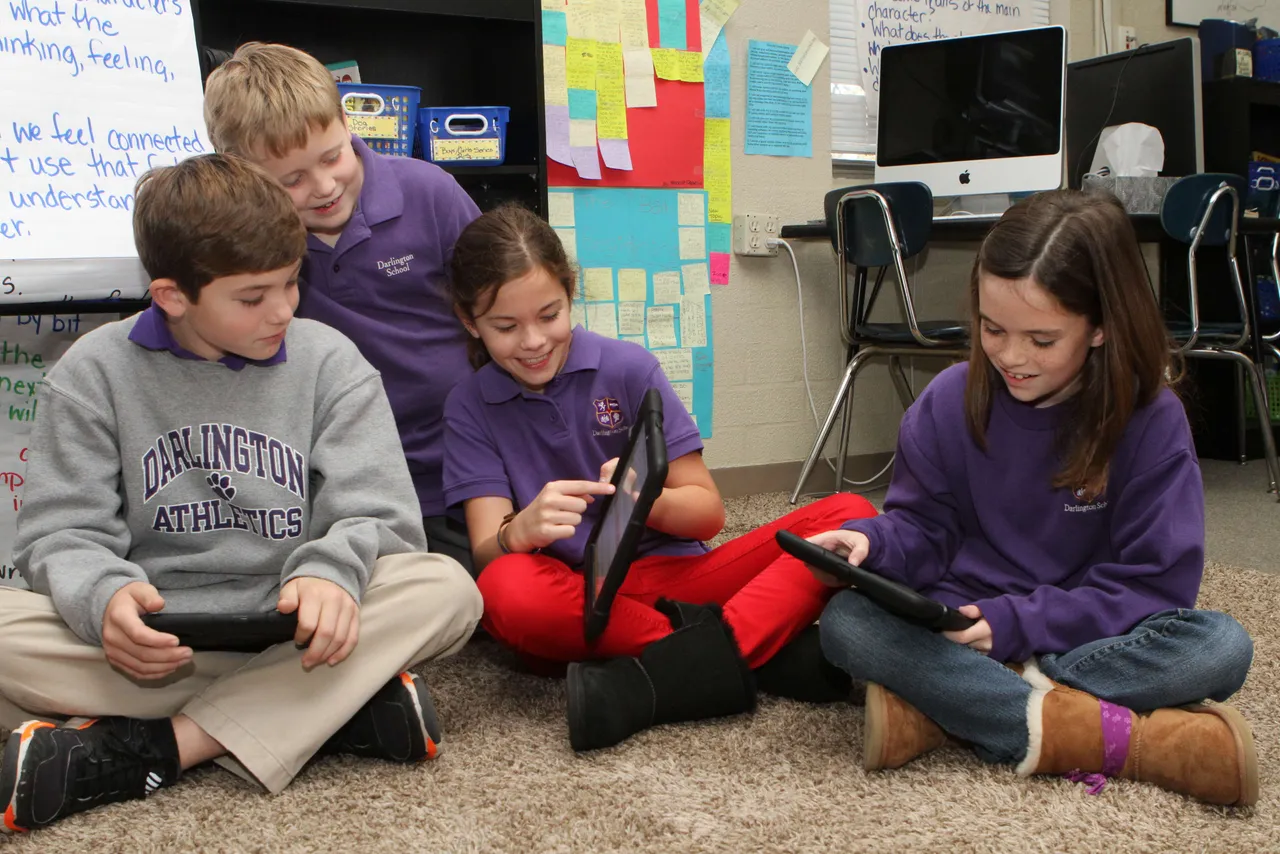
<p>Fourth-graders take their reading a step further by reflecting on the days Reading Workshop mini-lesson while blogging on their current reading assignment. Teacher Flo Anthony makes sure this is an authentic learning experience by having students record and share their thoughts on their iPads, making students authors, readers, and collaborators during the process.

<p>Here, Madeline Bradshaw (’21)  reviews her latest blog entry.
Here, John Andrew Cash (’21), Cooper Cates (’21), Madeline Bradshaw (’21) and Ivy Watters (’21) share and comment on each other’s blogs.
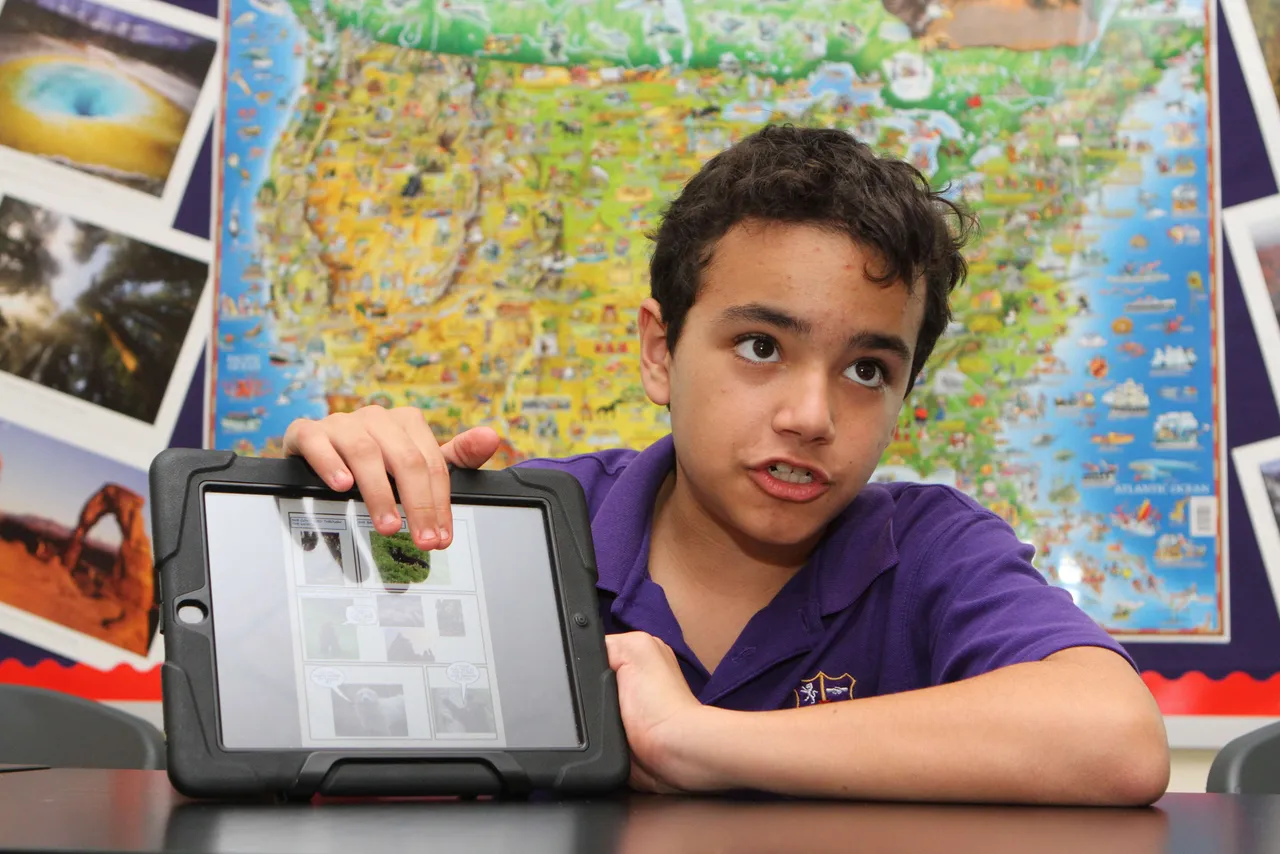
Sixth-grade teacher Chris Babb makes science relevant through a year-long national park study in which students each pick a different park and connect it to their current science topics. So far, students have made Keynote presentations on park history, promotional commercials using iMovie, and partnered with pre-K students learning geography to make park posters. Here, Nicolas Seijo (’19) presents a comic book story, made using the Comic Life app, set in Olympic Park, which included facts about the park.
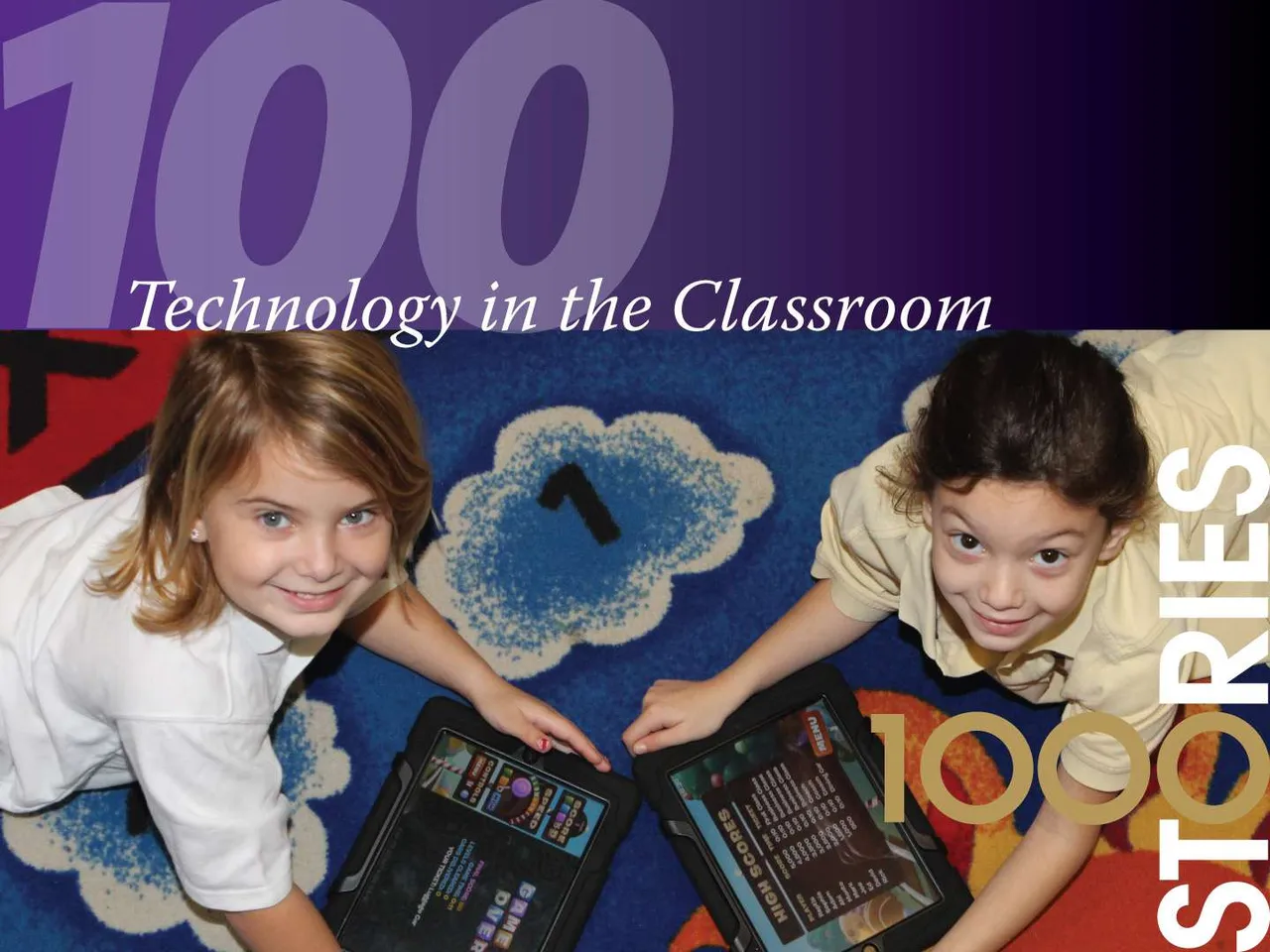
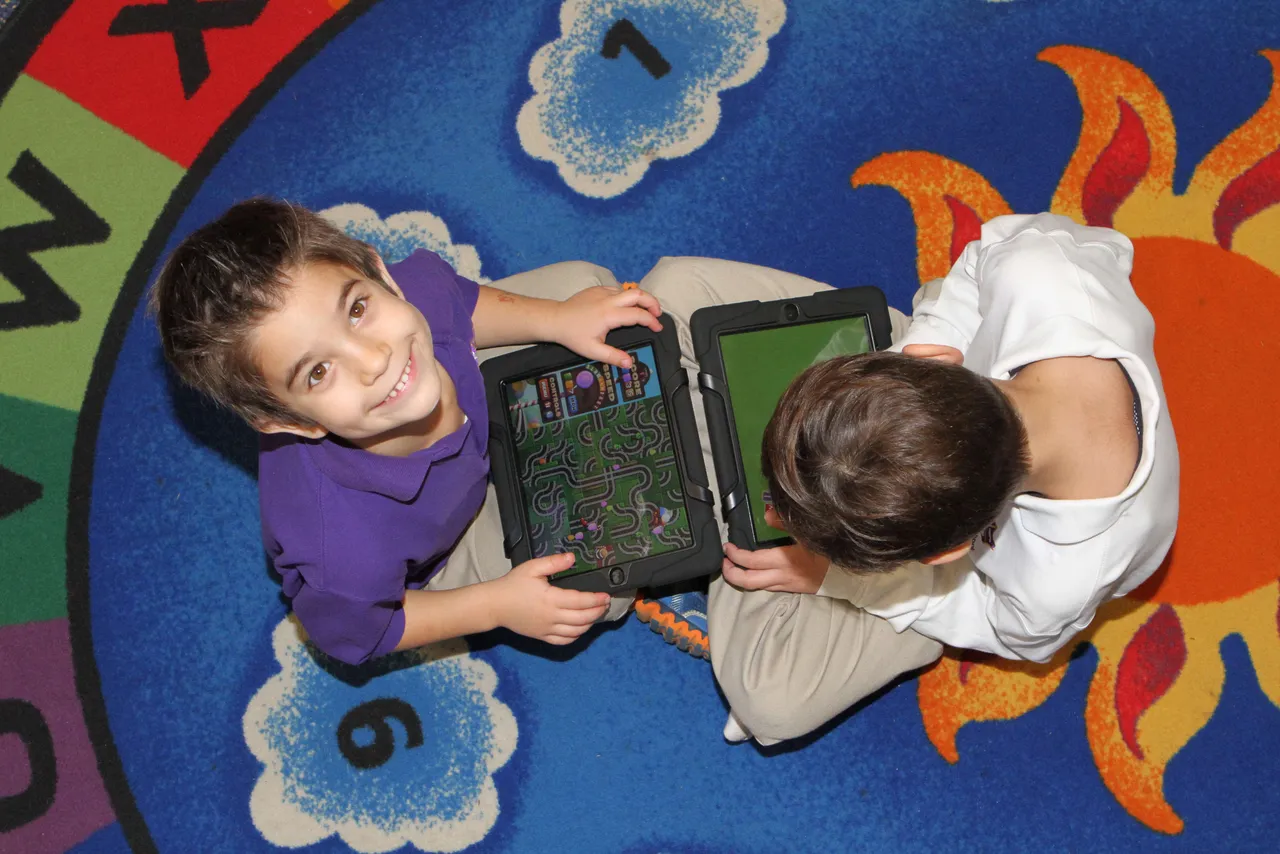
Every morning during center time, students grab iPads and work through various subject areas and apps including interactive books, writing practice, math exercises, coloring pages and word games. The activities not only develop their core knowledge and skills development, but help them start developing 21st Century learning skills such as responsible use and digital creation that will be reinforced through all grades.
Here, Kostas Pateritsas (’25) and Garrett Kizziah (’25) work on their morning activities.
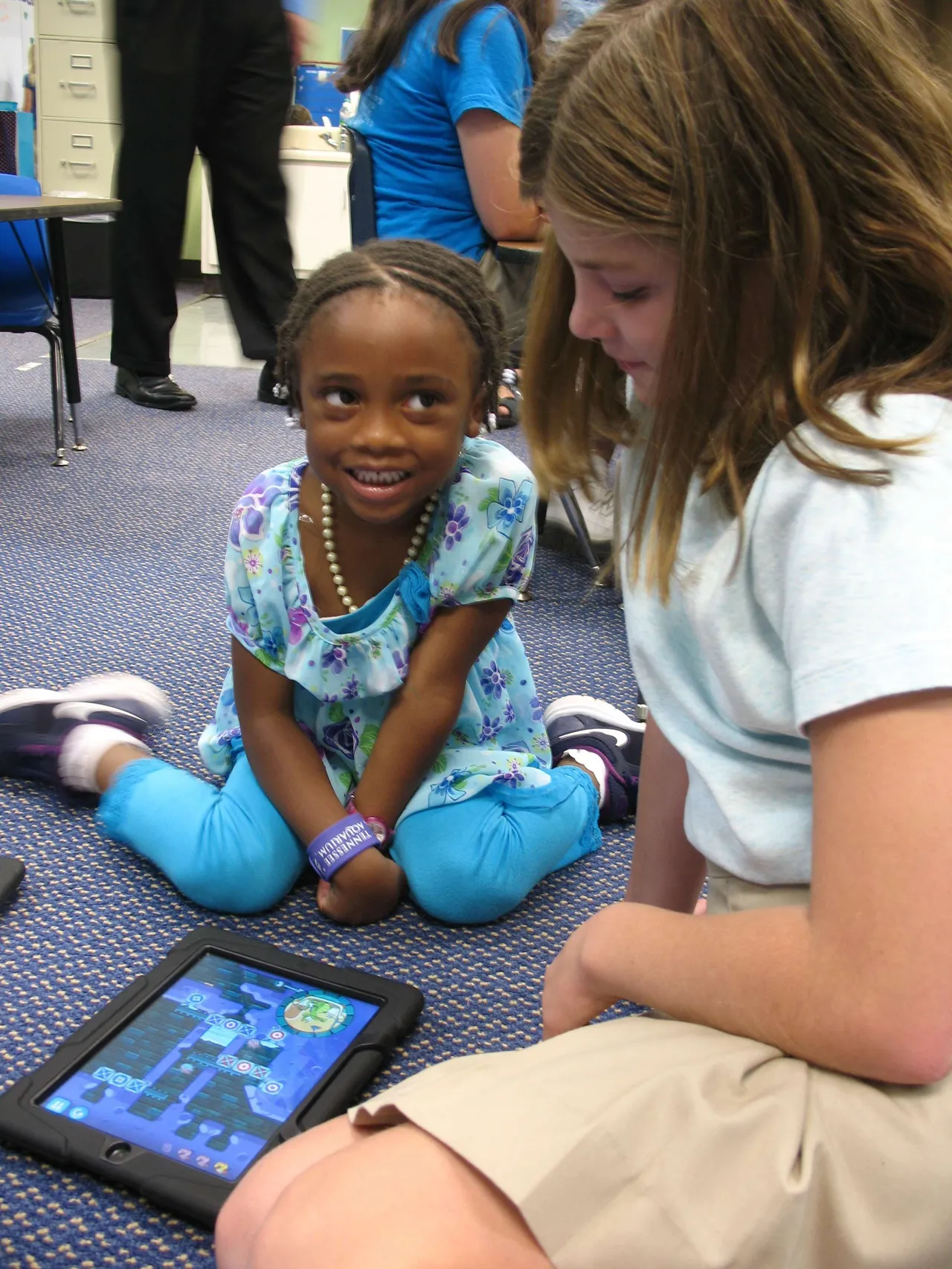
Fourth-graders teach pre-K students how to make presentations using Keynote and videos using iMovie. One project involved a lesson on penguins connected with a current pre-K lesson. Students did their research and worked with their fourth-grade buddies to create the presentations, along the way learning collaboration and media skills. Here, Sasha Wood (’26) works with her fourth-grade buddy, Emma Good (’21).
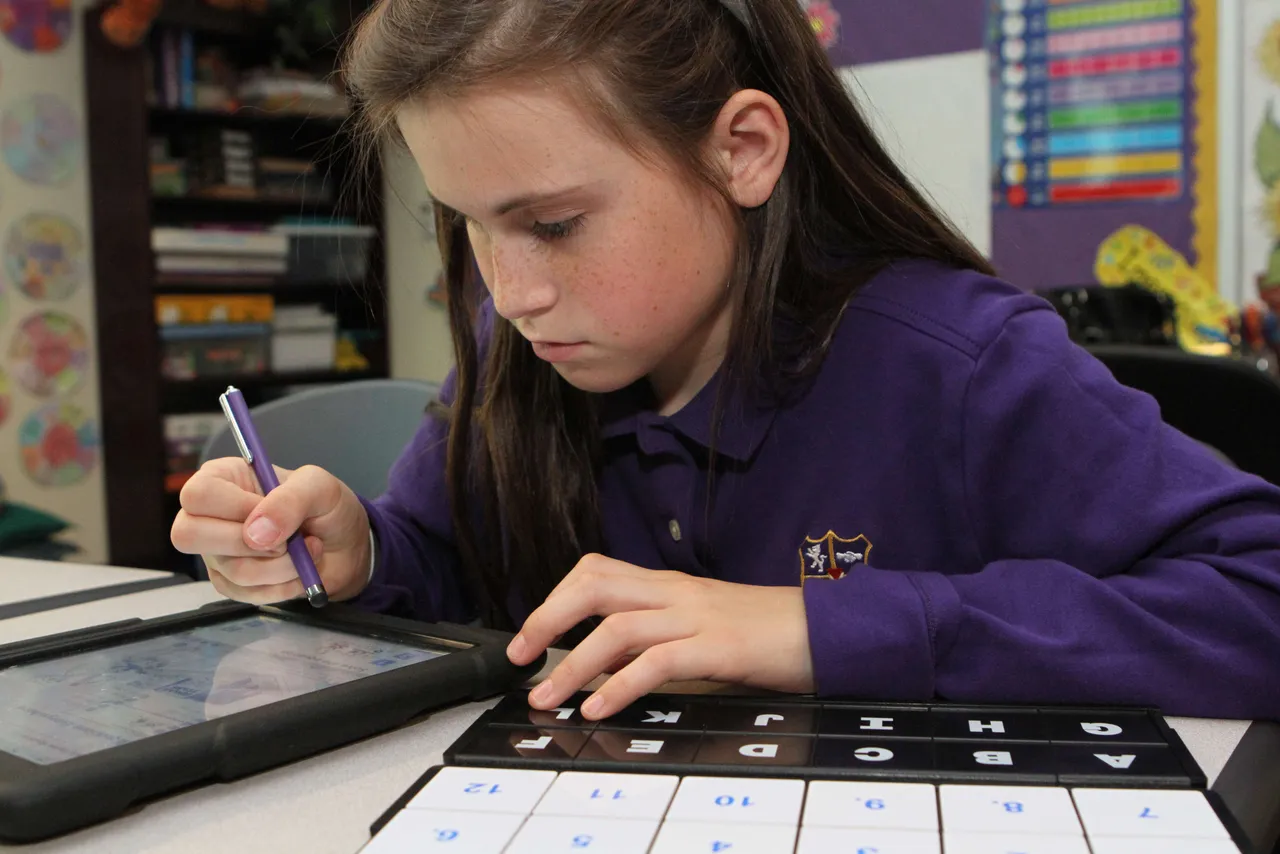
The iPad is the center of academic life for students in the fifth grade. They have gone paperless, taking advantage of many apps including everyone’s favorite, Notability. Here, Chloe Duck (’20) works math exercises directly on her iPad using this app, which lets her take pages from her book, complete work, and submit it to her teacher, BeBe Cline, for review.
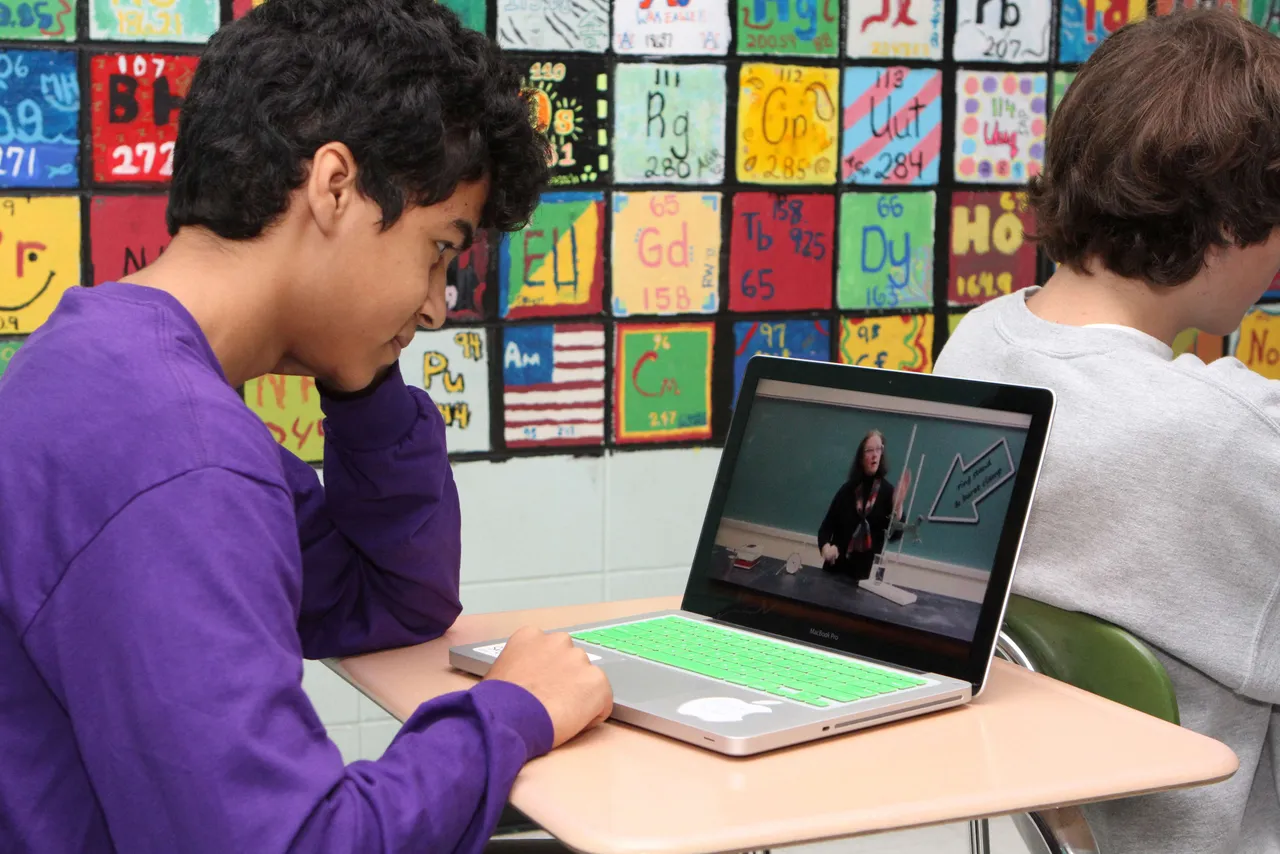
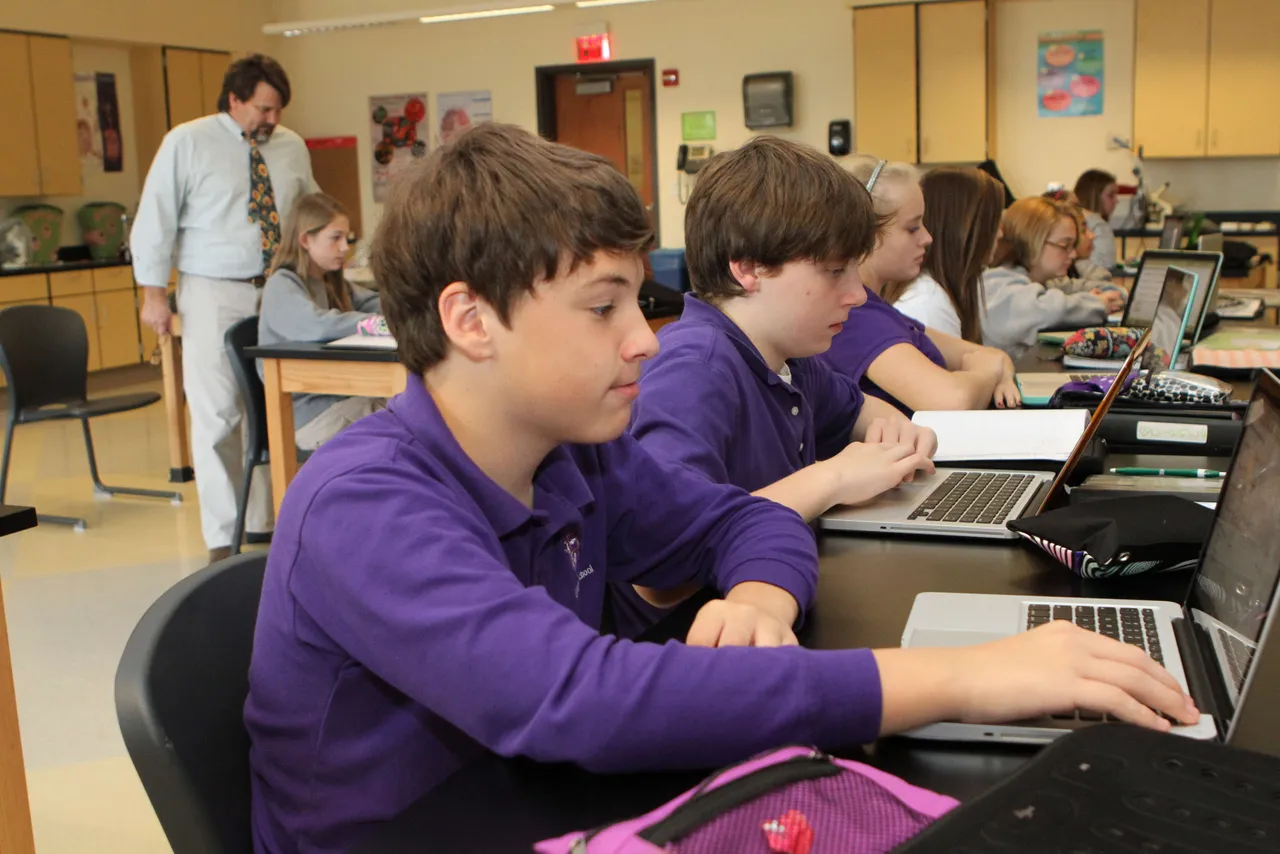
Sanjid Dewan (’14) reviews a video of his chemistry teacher, Julia Dodd, quickly before class. Mrs. Dodd is among several teachers at Darlington using the flipped classroom model, which allows students to view lectures before class time, thereby giving more time in the classroom to work on hands-on work like labs, projects or discussion. The idea is to let students take more responsibility for acquiring information on their own and use time with their teacher and classmates more effectively.
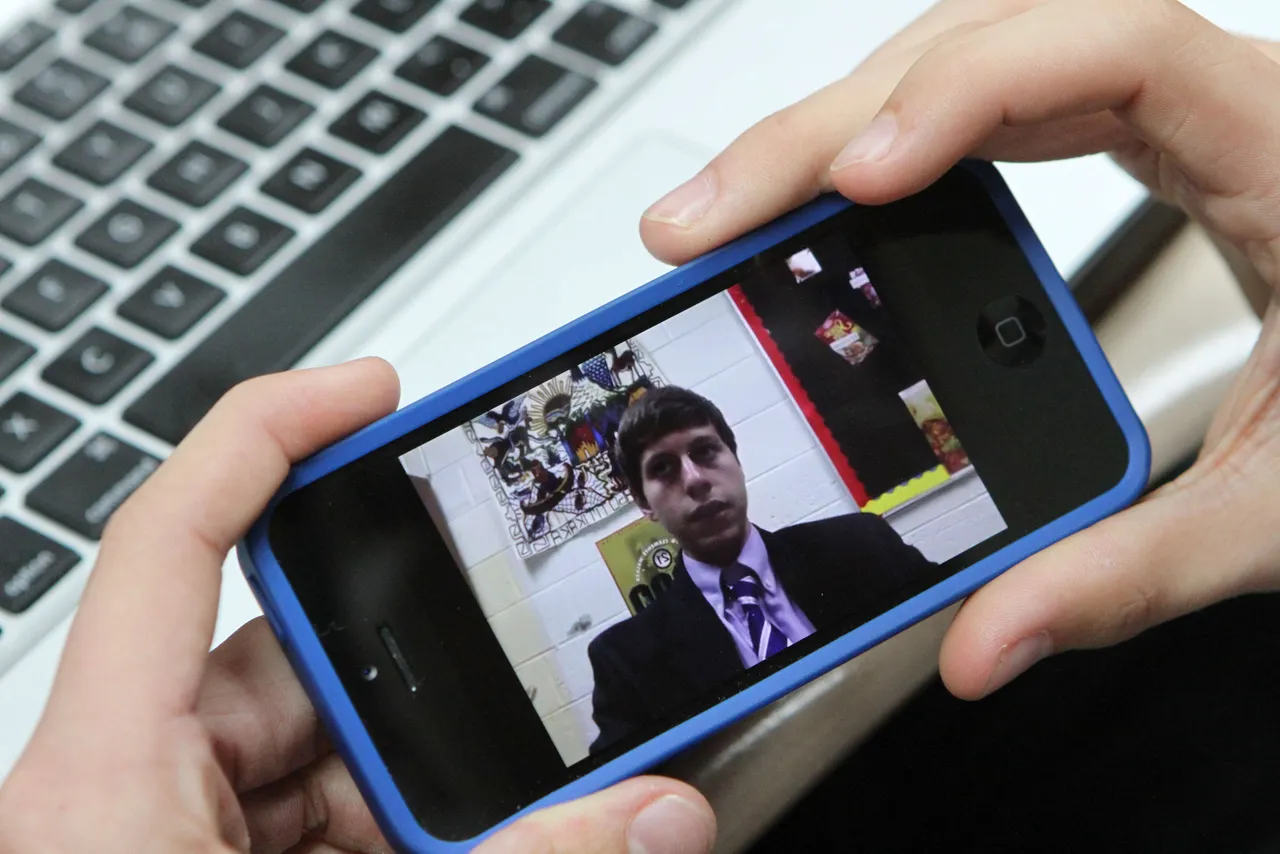
Students in Leah Groat’s Spanish class are doing a year-long project in which they record themselves speaking Spanish in intervals throughout the year. During these times and particularly at the end of the year, students will compile this work to show how much progress they have made. By involving students more in the evaluation of their progress, students also take more responsibility in their learning. Here, Trent Glass (’16) pulls up his YouTube video on his iPhone.
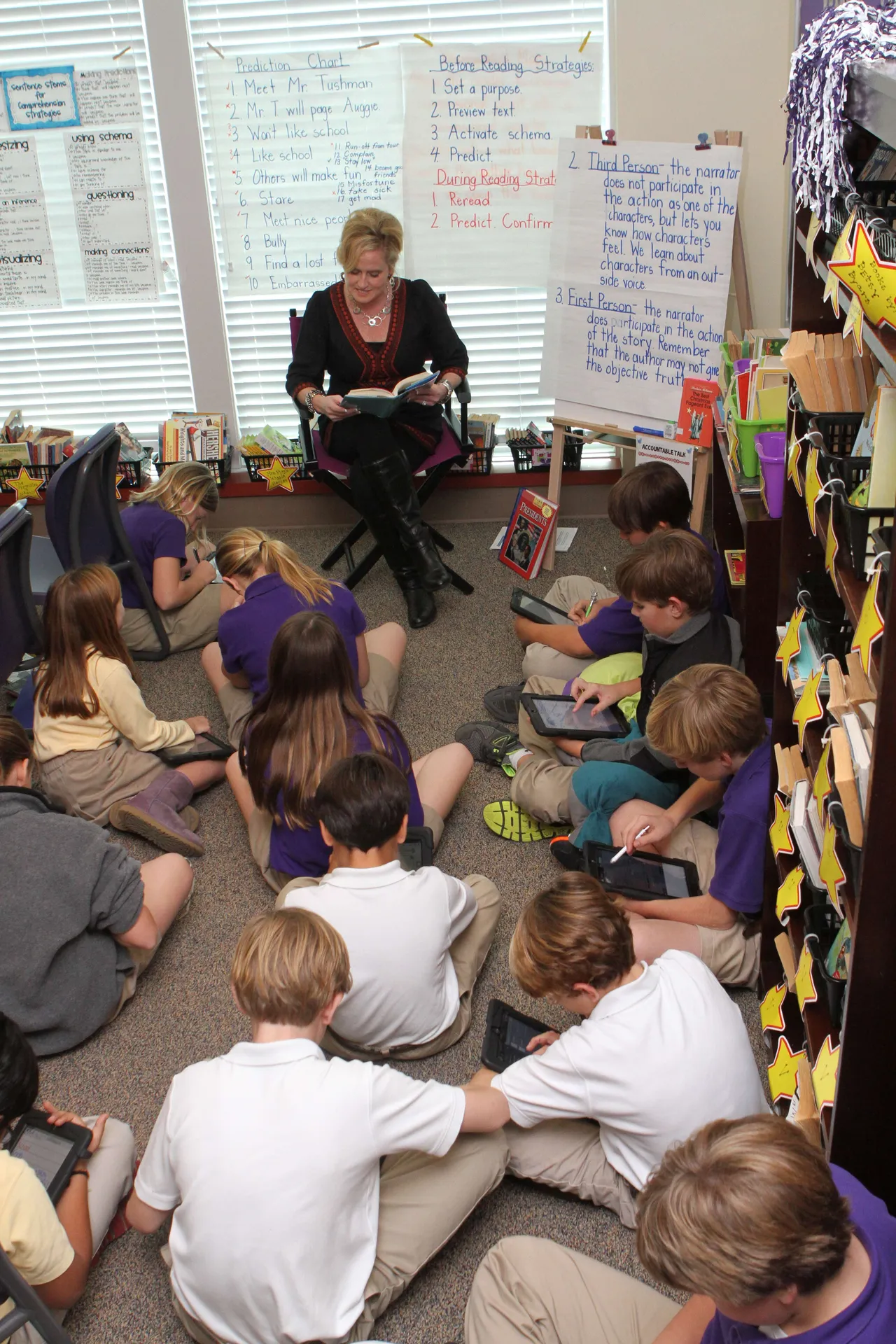
While fifth-grade humanities teacher Laura Hicks reads during a reading workshop lesson, students use their iPads to analyze how character perspective is expressed in the story. This process has led to students being more focused and encourages collaboration, which helps them process connections better. This type of self-directed critical thinking through collaboration is a complex and important skill for the current generation of students to have. Having technology like iPads always available allows for skills to be reinforced through daily integration into any lesson.
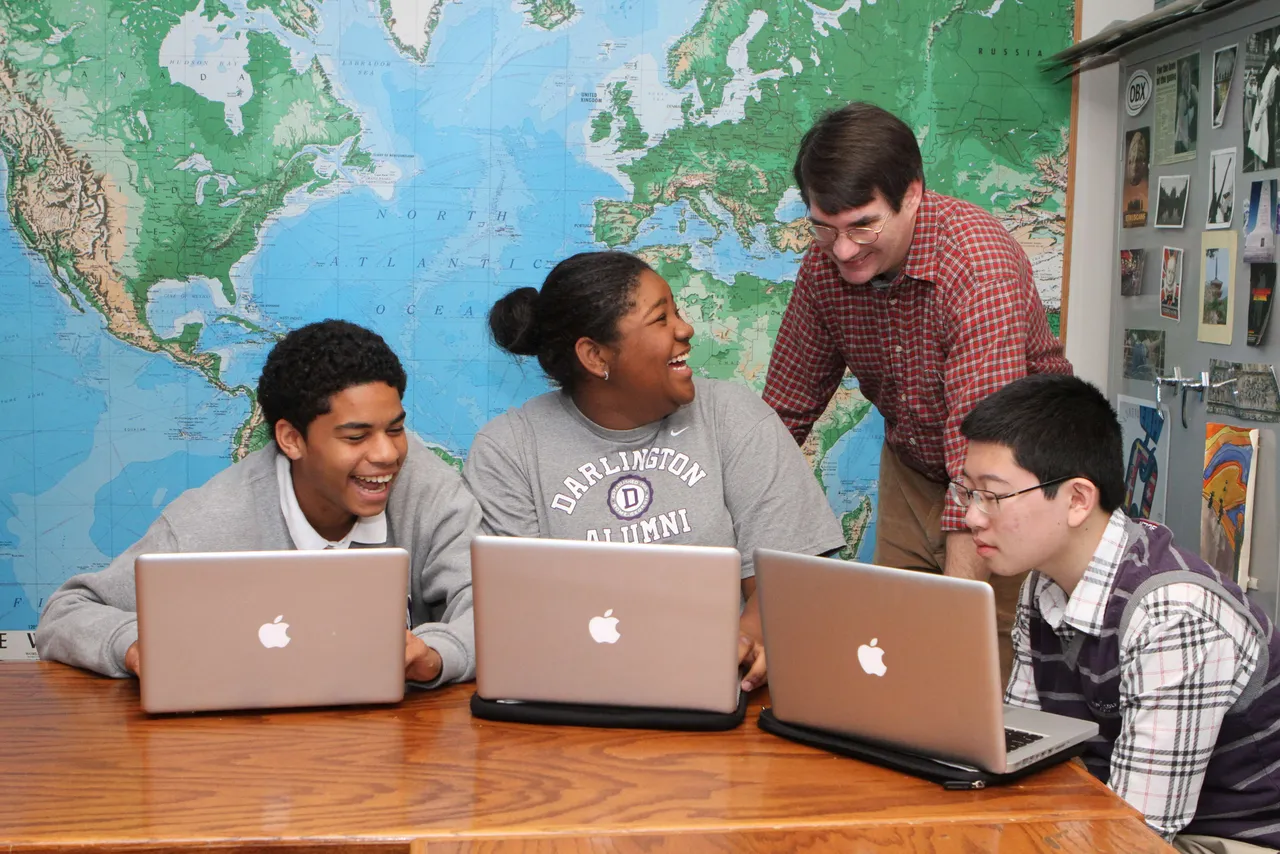
In groups, students in Brian Inman’s class took different Chinese philosophies they had been studying and created fictitious schools, which were built on those philosophical tenets. Decisions on clothing, rules, leaders and customs were also established in consideration of the core philosophy. Final presentations were created using Prezi, an online tool for presenting ideas which allowed students to visually show the relationships among their philosophy’s tenets and their implementations. They could then share their work with other students at Darlington and other schools. Here, Vance Wall-Brown (’16), Victoria Samuels (’16) and Wei Zhou (’16) get feedback from Mr. Inman.
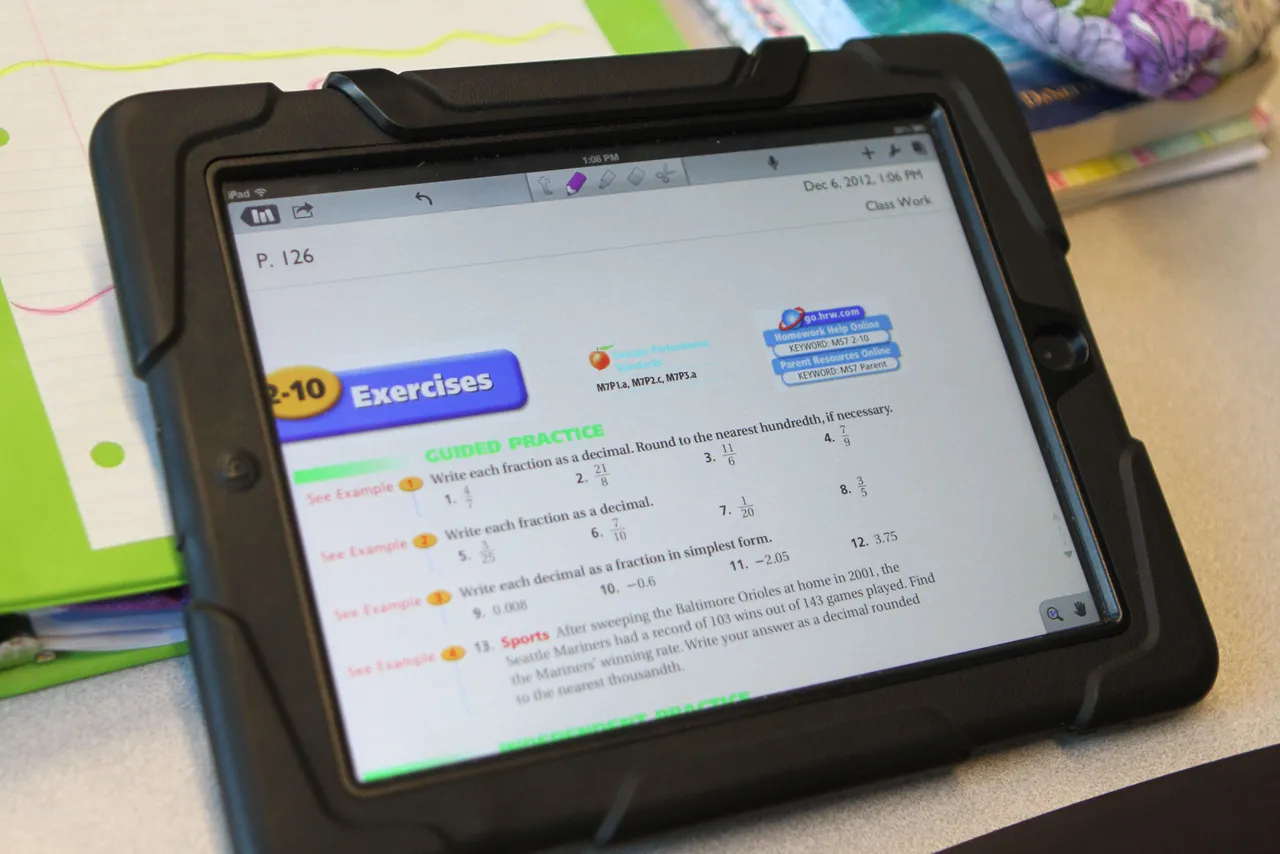
Kevin Ivester’s class uses an electronic version of the math textbook so students can always have their book with them, take notes and complete work anywhere and anytime, and even share what they are doing in class through wireless projectors. Darlington has taken a holistic approach to the need to evolve our traditional approach to textbooks, led by the Middle School, which eliminated most printed books this year. Electronic versions of printed books, open-source e-books, web-based books, teacher-compiled resources and flipped classrooms have all been used. This year’s Wood Faculty Professional Development Award was given to Middle School science teachers Angela Pieroni and Randy Smith, who will be developing their own alternative science resource, which will serve as a model from which other teachers can learn.
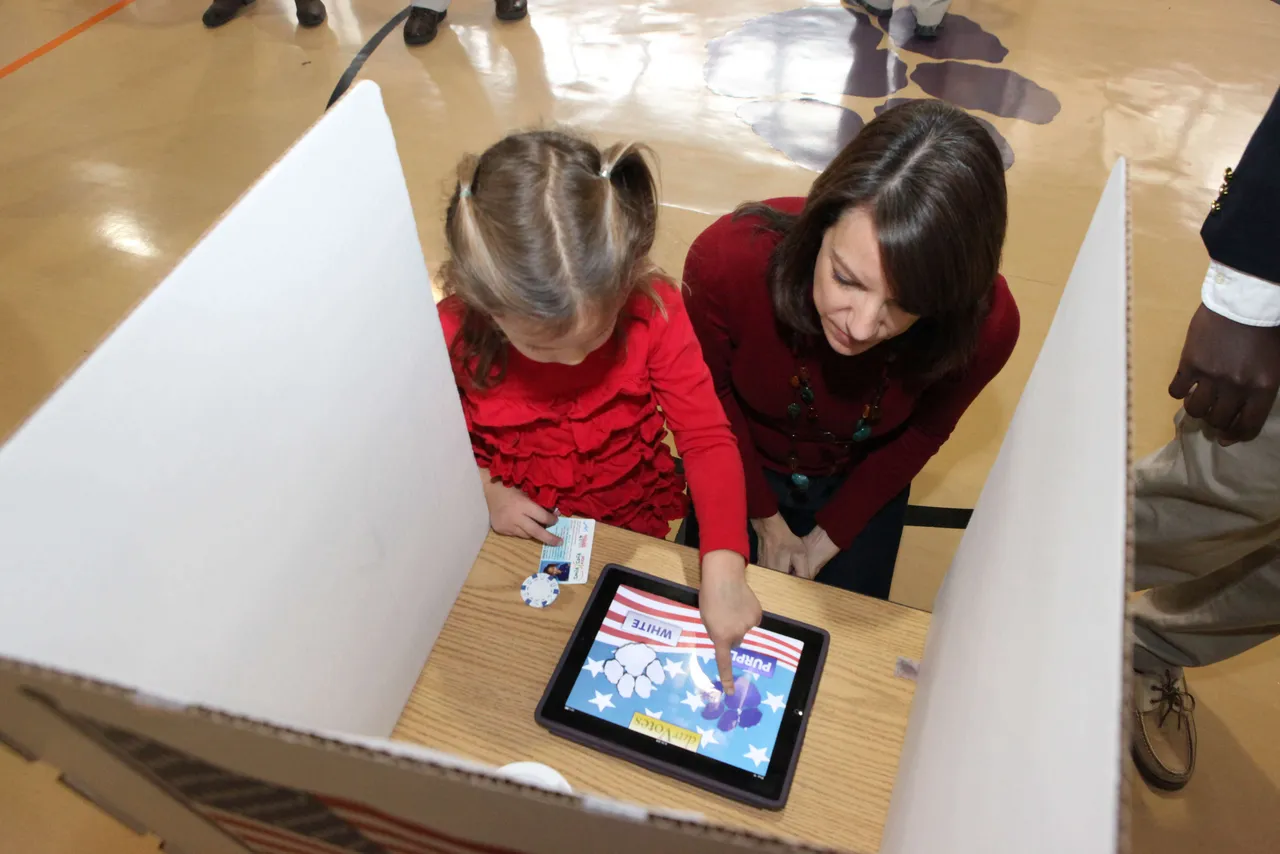
Another example of interdisciplinary projects, Steve McConnell’s mock election also drew in students across divisions. While Lower School students read stories by guest author Brian Pinkney, from which the candidates were chosen; researched the electoral process; and developed campaigns, Brant Evans’ Upper School government students created election process videos and prepared to run the election. On Super Tuesday, Lower School students went through an immersive voting experience, viewing the student-created orientation video, showing ID to register, and casting their ballots through an iPad app developed just for the day. Middle School students also voted and results were shared live throughout the day on the school website. Here, technology integration specialist Rebekah Kinney helps Gracie Cowan (’26) cast her vote.
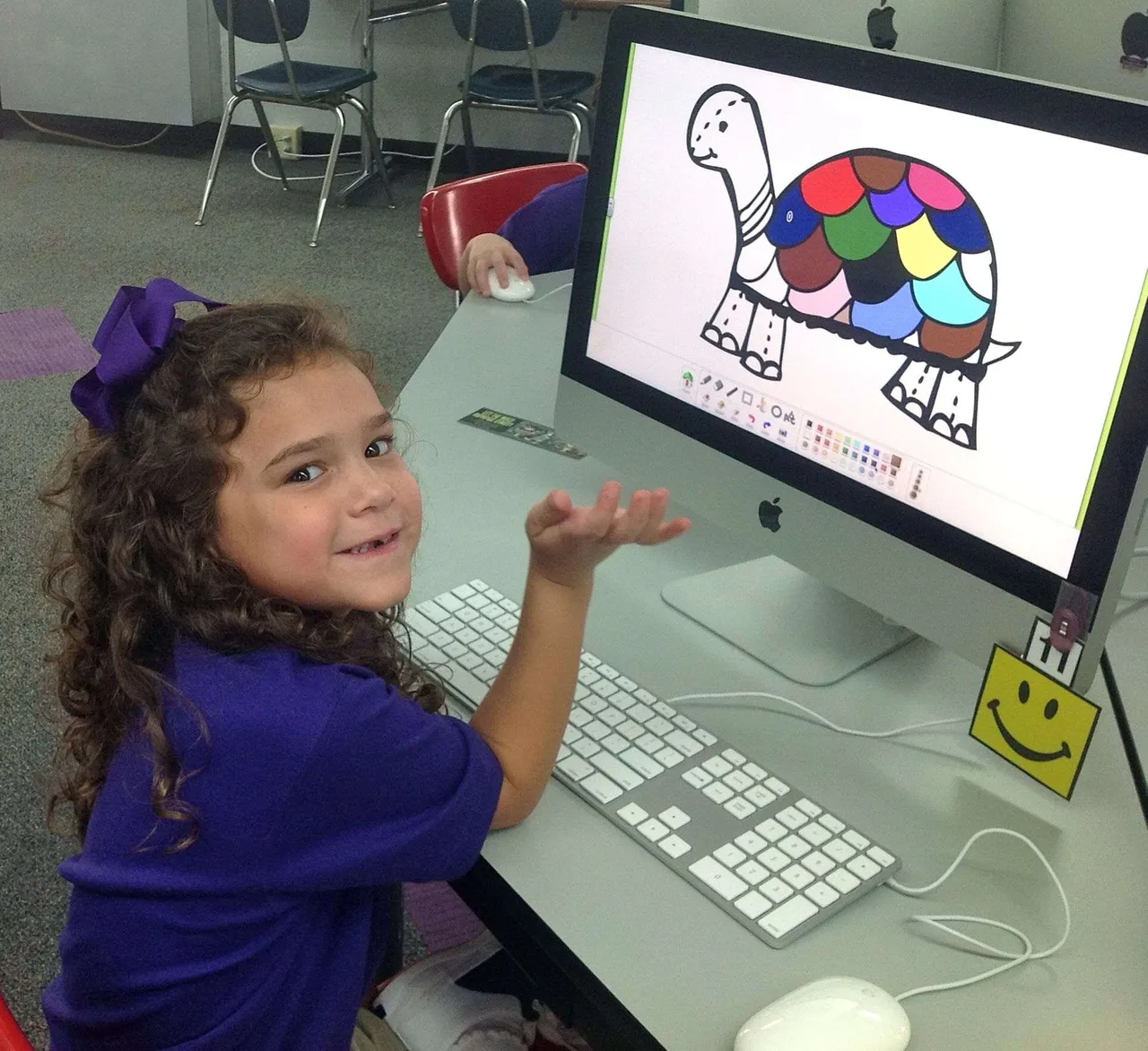
The Lower School Computer Lab is an extension of the classroom. Students take topics from their classes and come to the lab to dig deeper into their subjects using technology to do project-based learning. As classroom topics are explored, a technology curriculum is also integrated, which includes topics such as internet safety, digital citizenship, and computer skills like keyboard and mouse skills. The lab is outfitted with 21 iMacs. Here, Chatlie Hernandez (’25) uses Doozla to draw a picture, which will act as a writing prompt for a lesson on turtles.
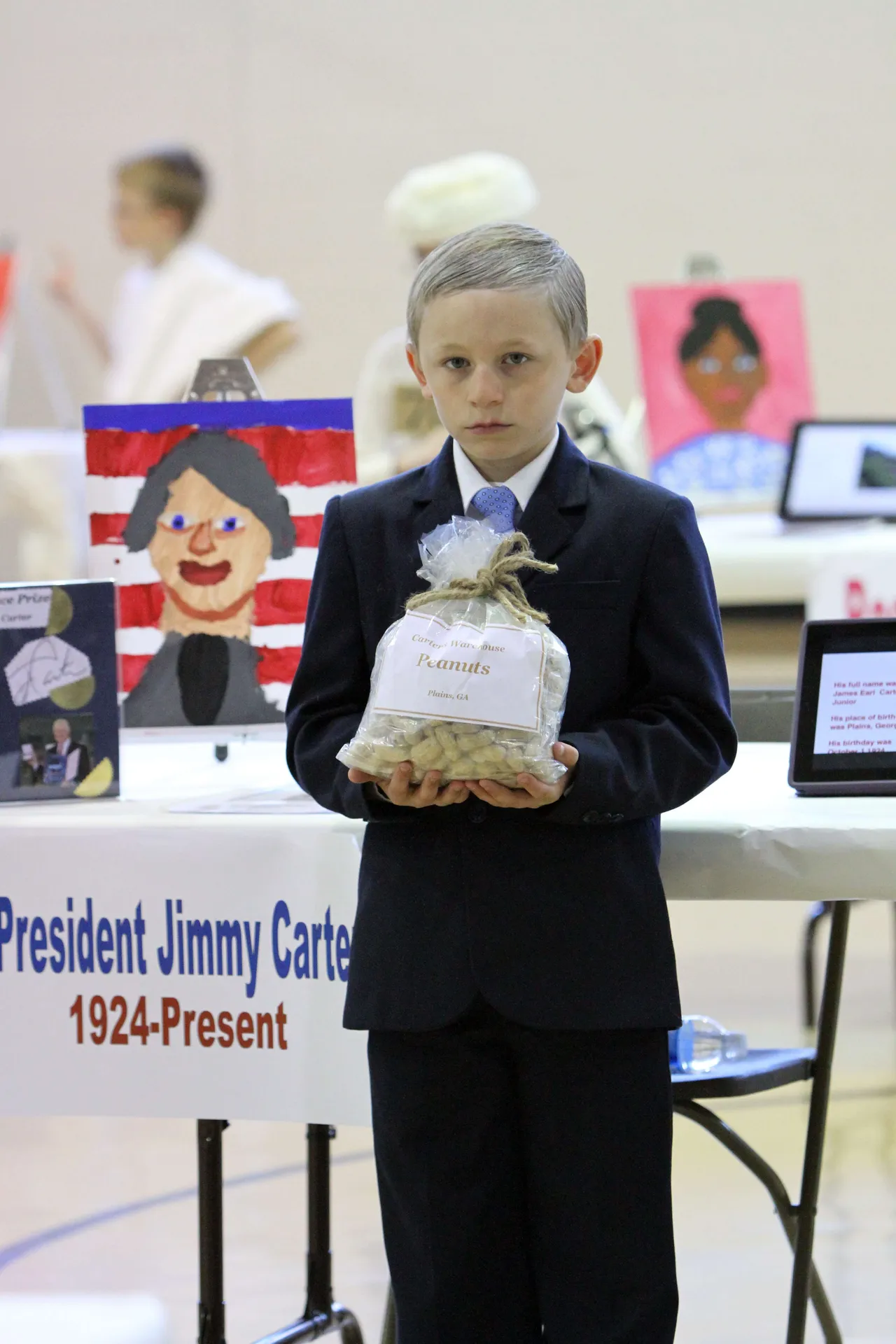
Third-graders completed research and made Keynote presentations and iMovie videos about their historical fiction, all under the tutelage of the fourth grade. A walk-through-history wax museum project is an old-school biography project overhauled for the 21st Century by third-grade teacher Steve McConnell. The project was also multi-disciplinary as students drew a self portrait, researched and wrote a paper, acted like their characters, and translated basic parts of the project into Spanish. Here, Aiden Cloud (’21) poses as Jimmy Carter.
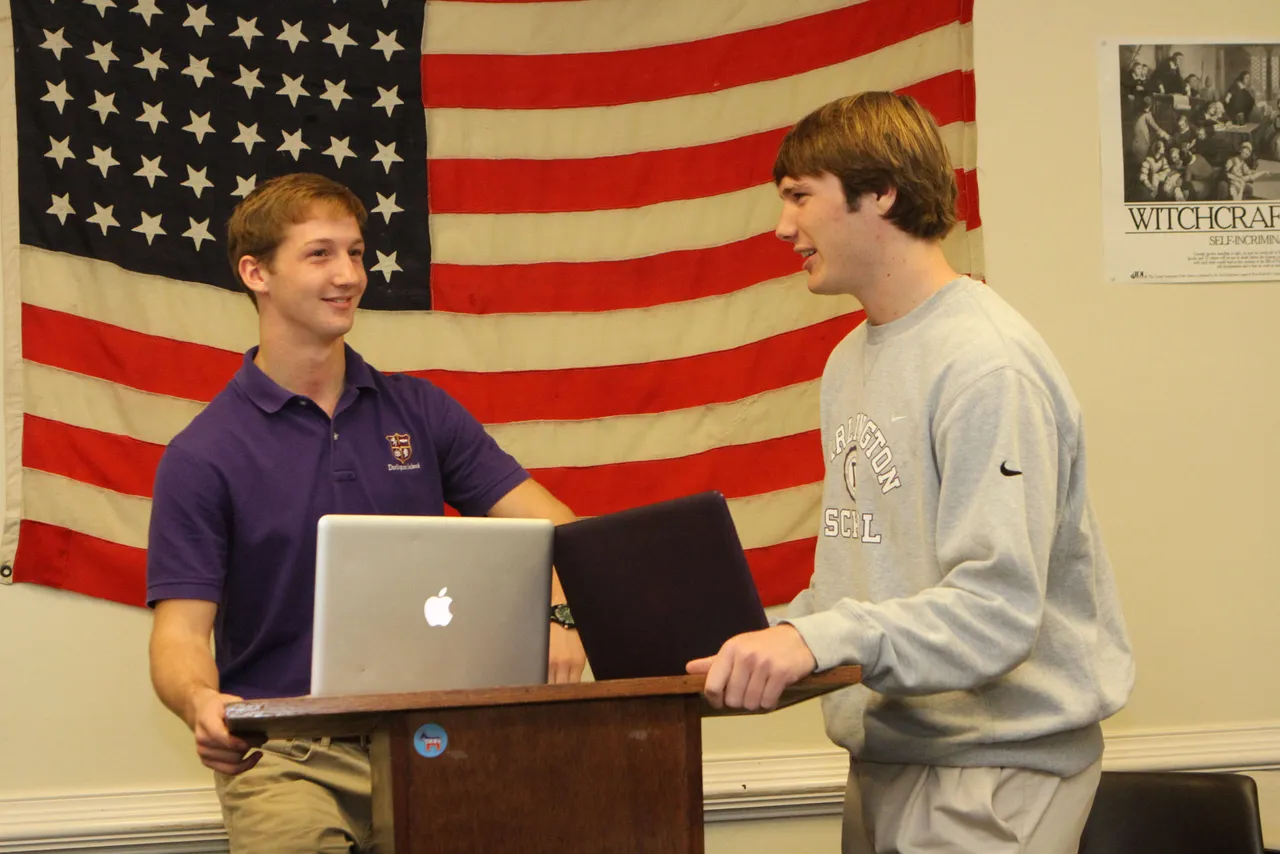
Kelly McDurmon’s class studied presidential elections that occurred from 1815-1850, during which changes in attitudes across the nation led to many political alterations across the country. Students used Google Apps to collaborate during the group research process. Their final project was a campaign commercial recreating the issues of the time, which they presented just before participating as characters in a reenacted debate for the class. Here, Chandler Duggan (’14) and Thomas Gilbert (’14) square off in front of the 48-star flag to debate early American politics.
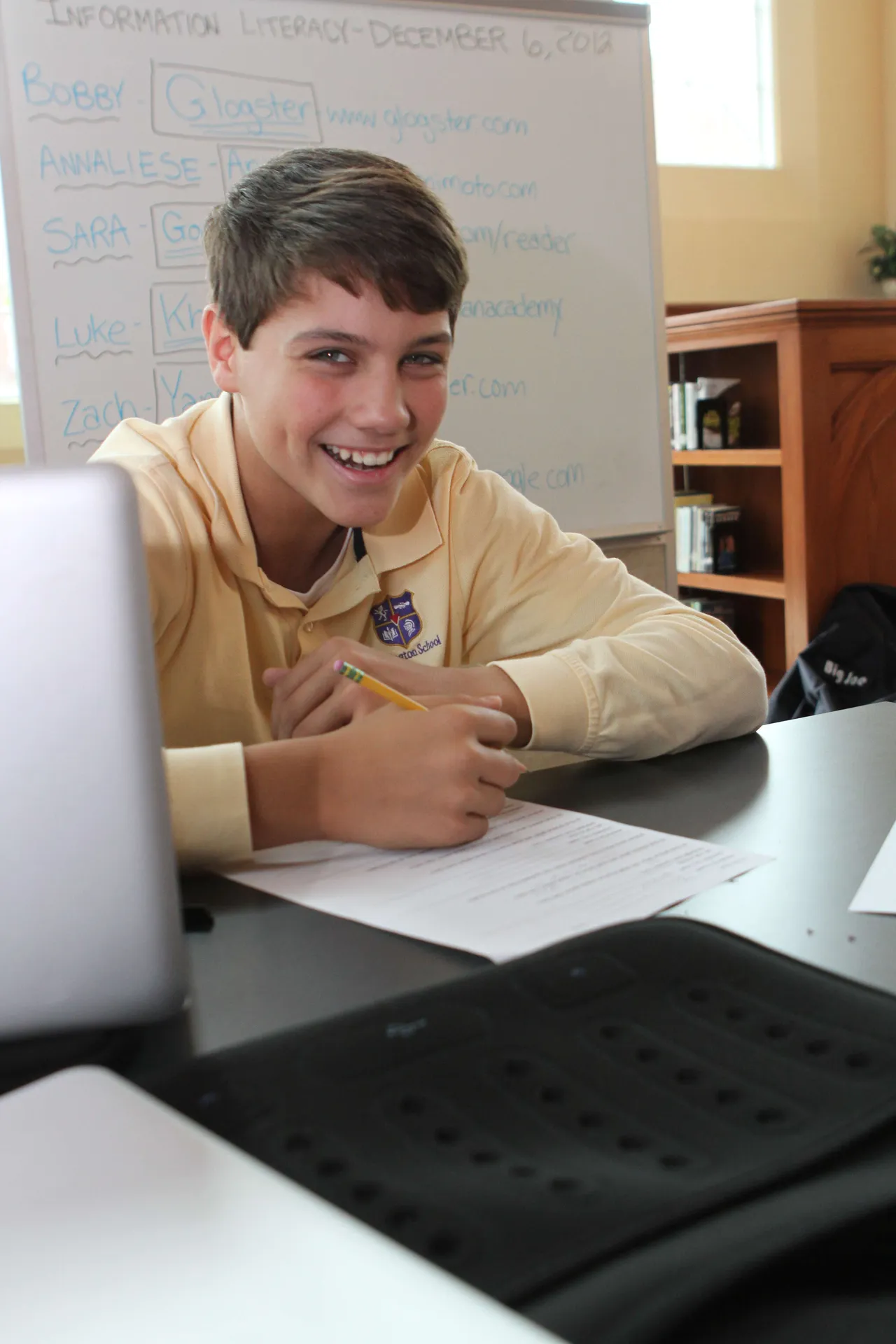
All seventh-graders take information literacy, a class that teaches students how to apply 21st Century learning and research skills into their everyday class work. While learning a variety of applications and Web 2.0 tools like iMovie, Prezi, Glogster and Voki, they also learn about copyright, research, digital media, online group collaboration and project management. Here, Skyler Sledge (’17) listens to a classmate’s presentation.
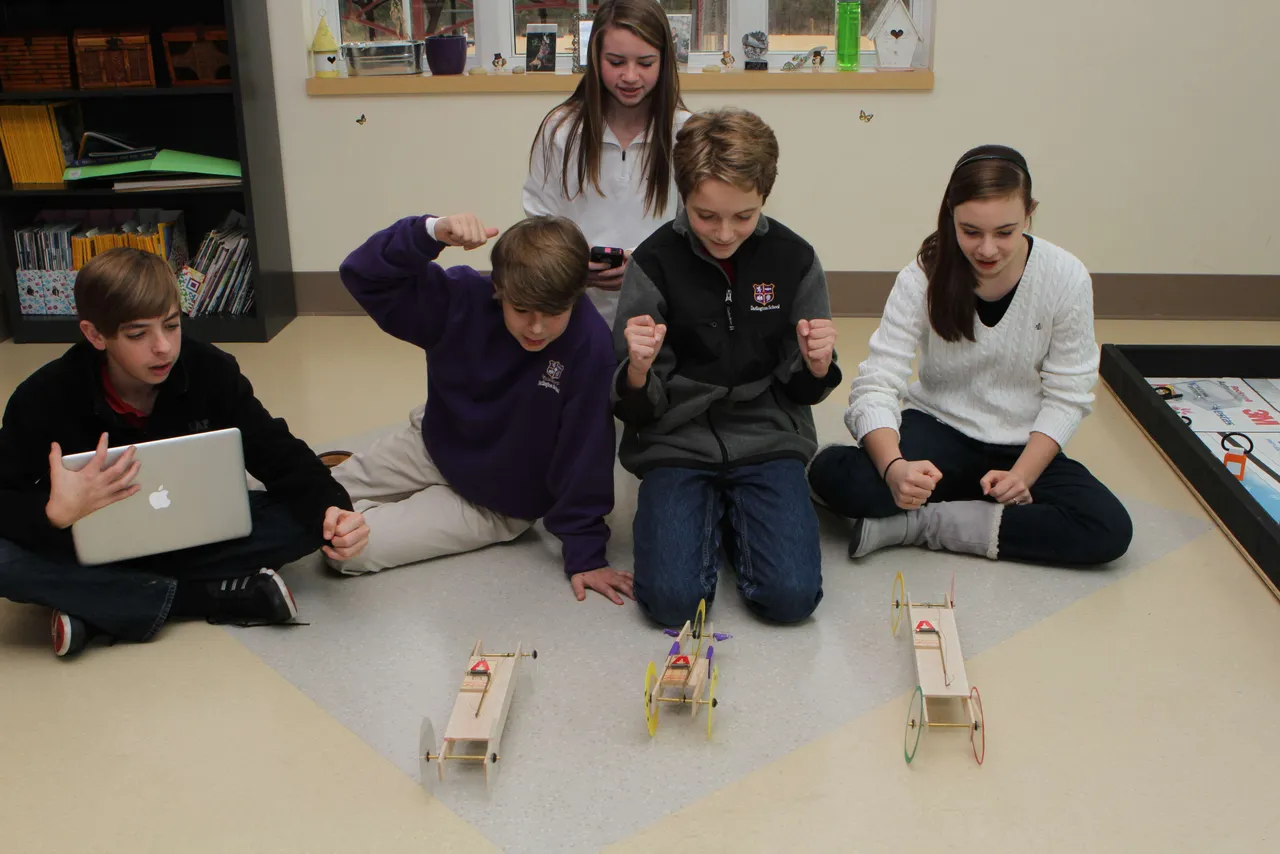
Technology is integrated into all classes in the eighth grade, including Angela Pieroni’s science class as they study motion. Students formed groups; came up with business plans; assigned roles such as researcher and presenter; built prototypes; and measured and presented results. Final projects were shared with the class in the format the students thought most appropriate, including presentations and movies. Here, Cooper Brock (’17), Gamble Shadday (’17), Annaleise Clevenger (’17), Henry Fields (’17) and Katie White (’17) race their model cars.
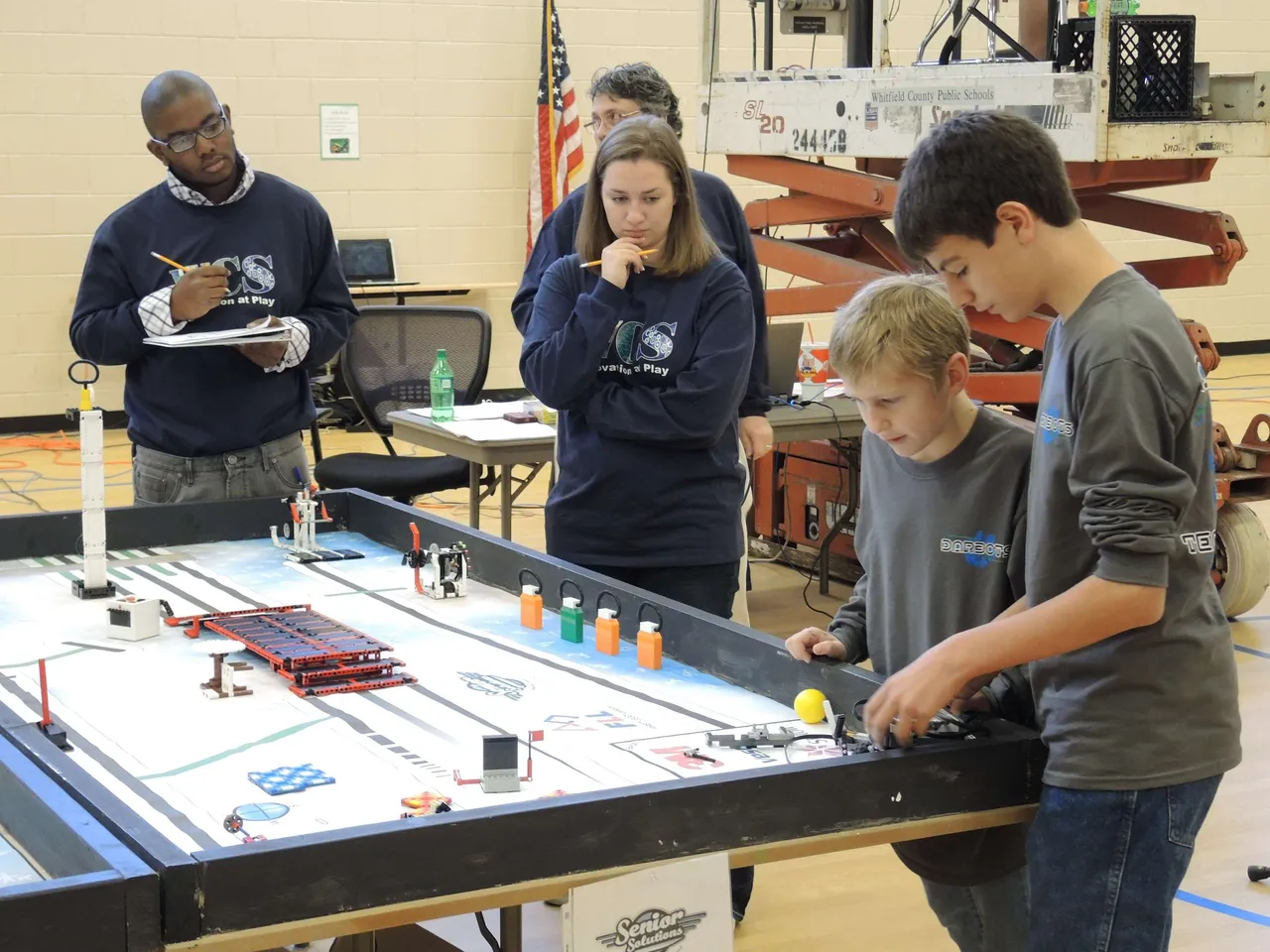
The Middle School DarBots finished first in a field of 16 teams at the Dalton Regional First Lego League tournament. The team surpassed the second highest robot game score by 45 points and received great accolades from judges for their work with senior citizens. Working with staff and residents at our local Winthrop Court Assisted Living Center, the DarBots designed and constructed an improved back rest for rollator walkers. The team shared their prototype with patients and plan to tie into the service part of Darlington’s mission by actually producing their invention for Winthrop Court residents. Robotics is a great example of blending science, technology and engineering through creative innovation. Here, Jack Eady (’19) and Ian Kinney (’17) compete in the tournament.
Randy Smith’s students often start their day by doing warm-ups using Quia, an online tool for doing activities, quizzes and skill practice. Besides being a practical and efficient way for students to learn the material, online classroom management tools like Quia complement Mr. Smith’s flipped classroom style, allowing students to practice outside of the classroom and become more involved in their learning. Here, Dalton Stinson (’18) and Tigger Frix (’18) work on the warm up.
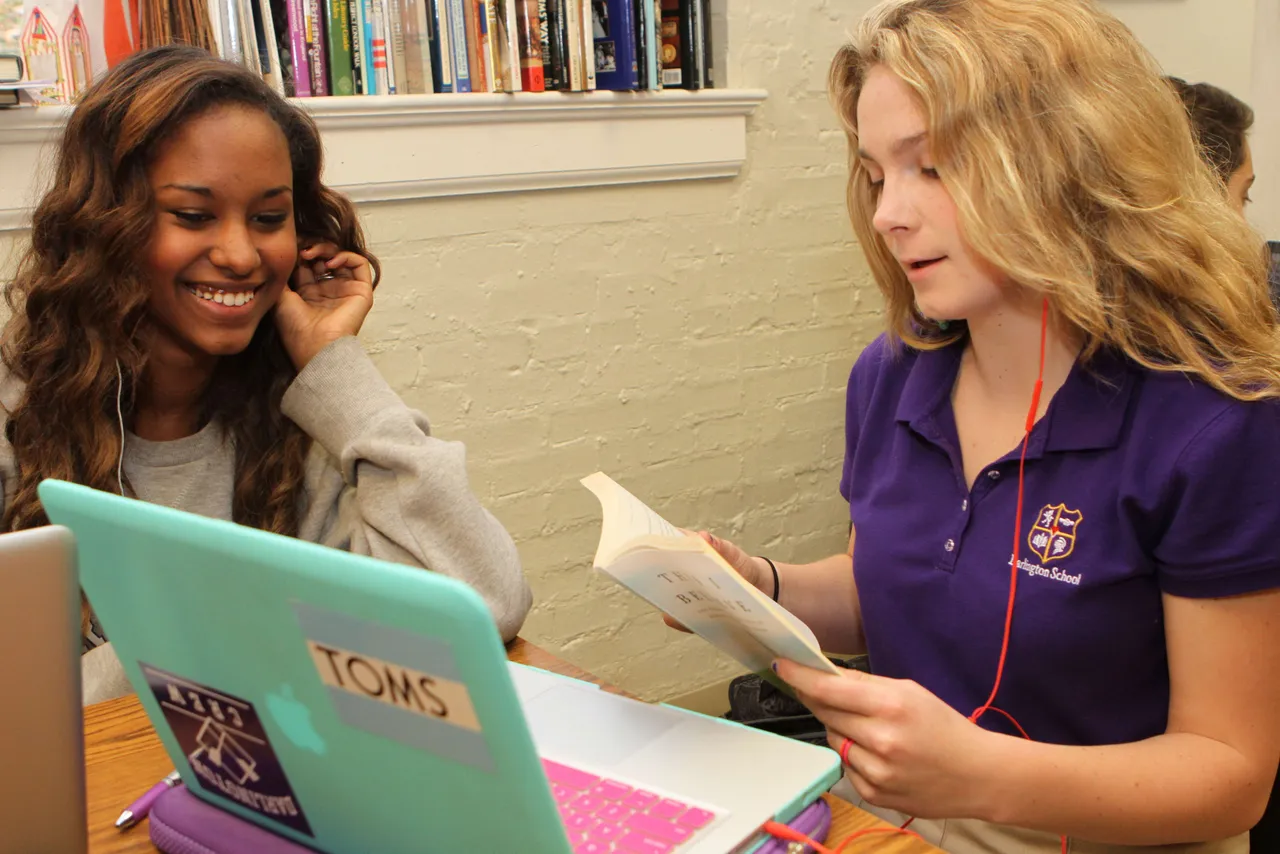
Working from creative writing developed in class, Jennifer Sikes’ students created podcasts, audio recordings of them presenting their work, which were then shared with classmates. Creating in a relevant digital medium for the purpose of publishing to an audience of peers not only makes students want to do their best, but also helps develop contemporary communication and creativity skills along with media and technology skills. Here, Amber Rodriguez (’16) helps Katelin Ellis (’16) record her podcast.
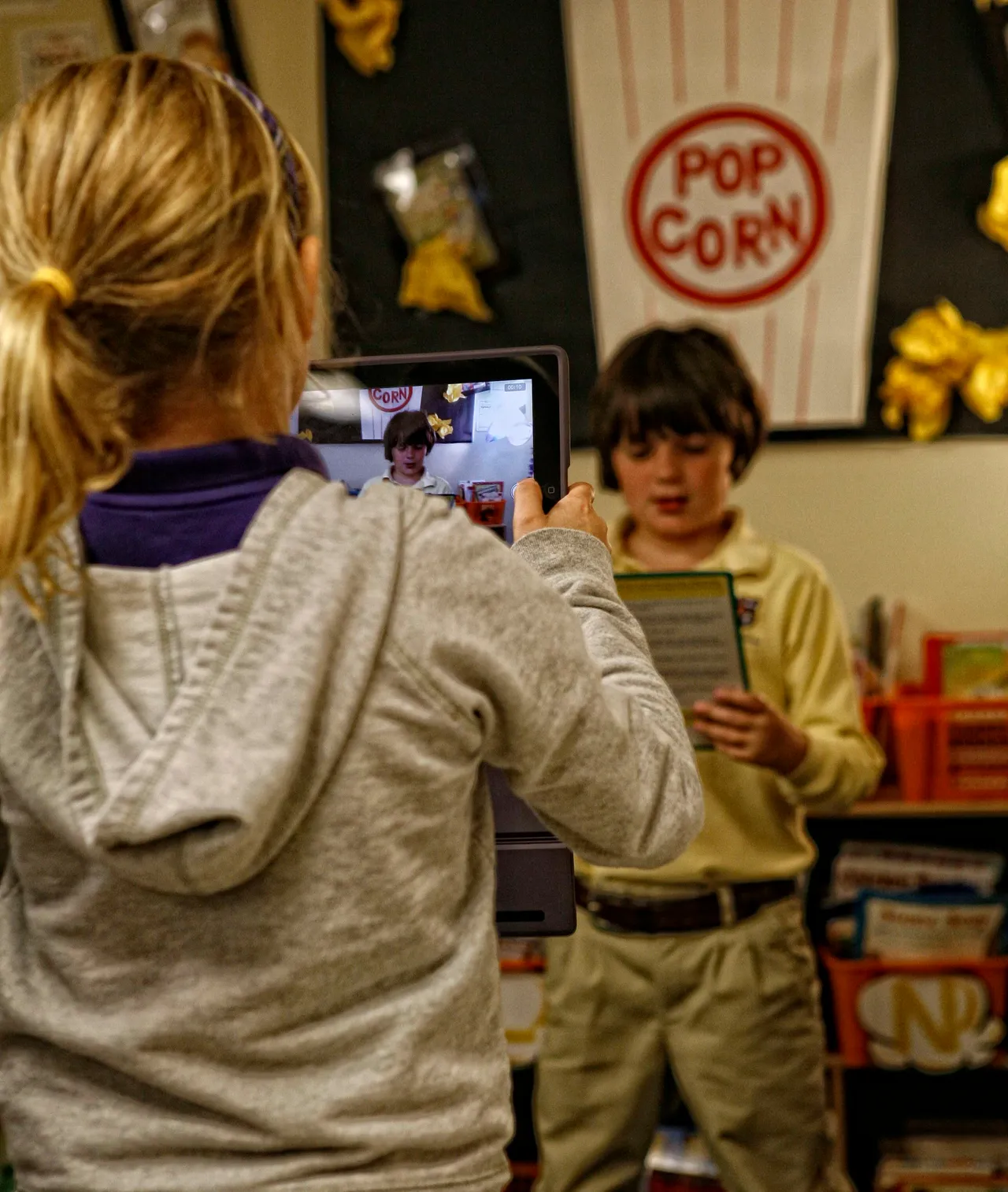
Sophi Shumate (’23) and Hamilton Shamblin (’23) practice fluency skills while completing Reader’s Theater, an exercise in which students practice reading a script while recording with an iPad. Because each student has access to a recording device, he or she can work at his or her individual pace to self-evaluate reading skills and improve at a quicker rate.
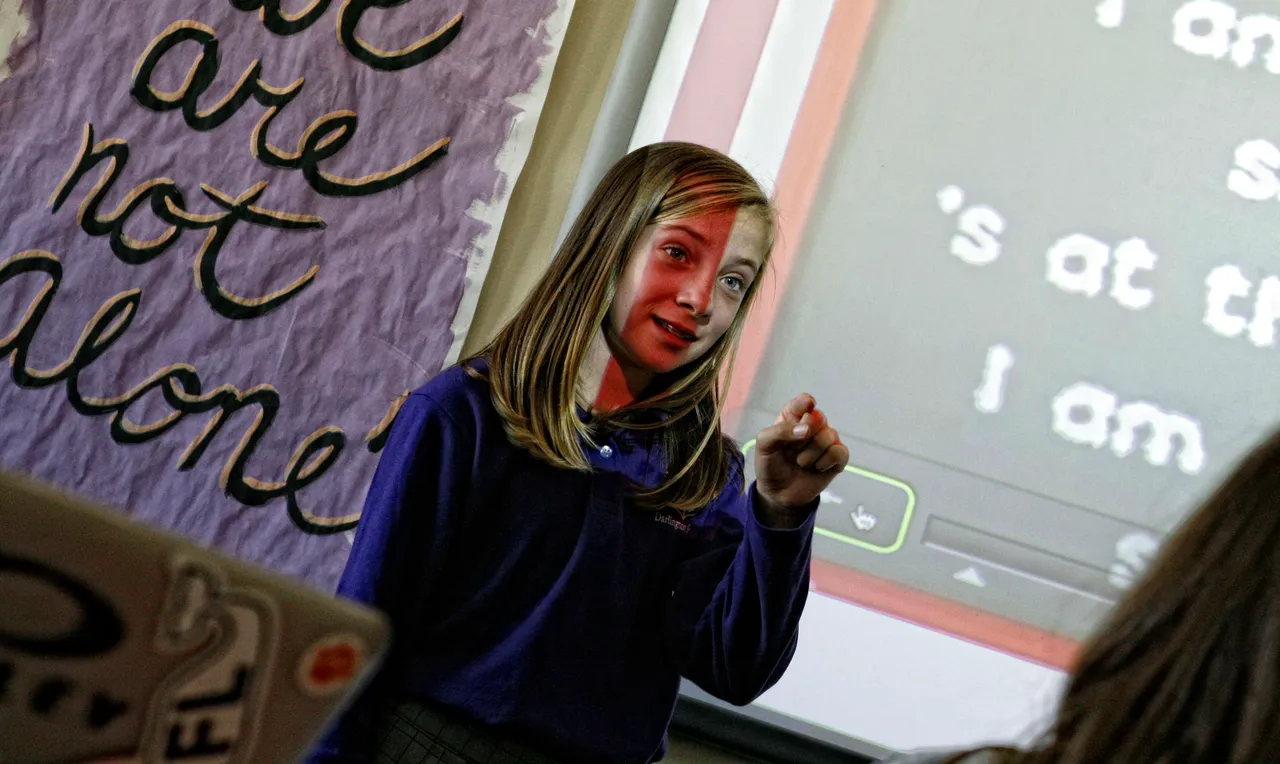
Madeline Dillmon (’18) presents a grammar topic during Kate Willingham’s class. She and her classmates were put in groups and assigned a grammar topic to teach (as part of a review). This picture was taken as she and the rest of her group taught the class about their assigned topic, possessive nouns. Presentations like these are a great alternative to traditional assessments like worksheets or lectures because they force the student to develop a deeper understanding of the topic as they work through the clarity of their communication. And some days, students just listen better to each other.