
Being a Good Digital Citizen

By Cynde Reneau - FF/S
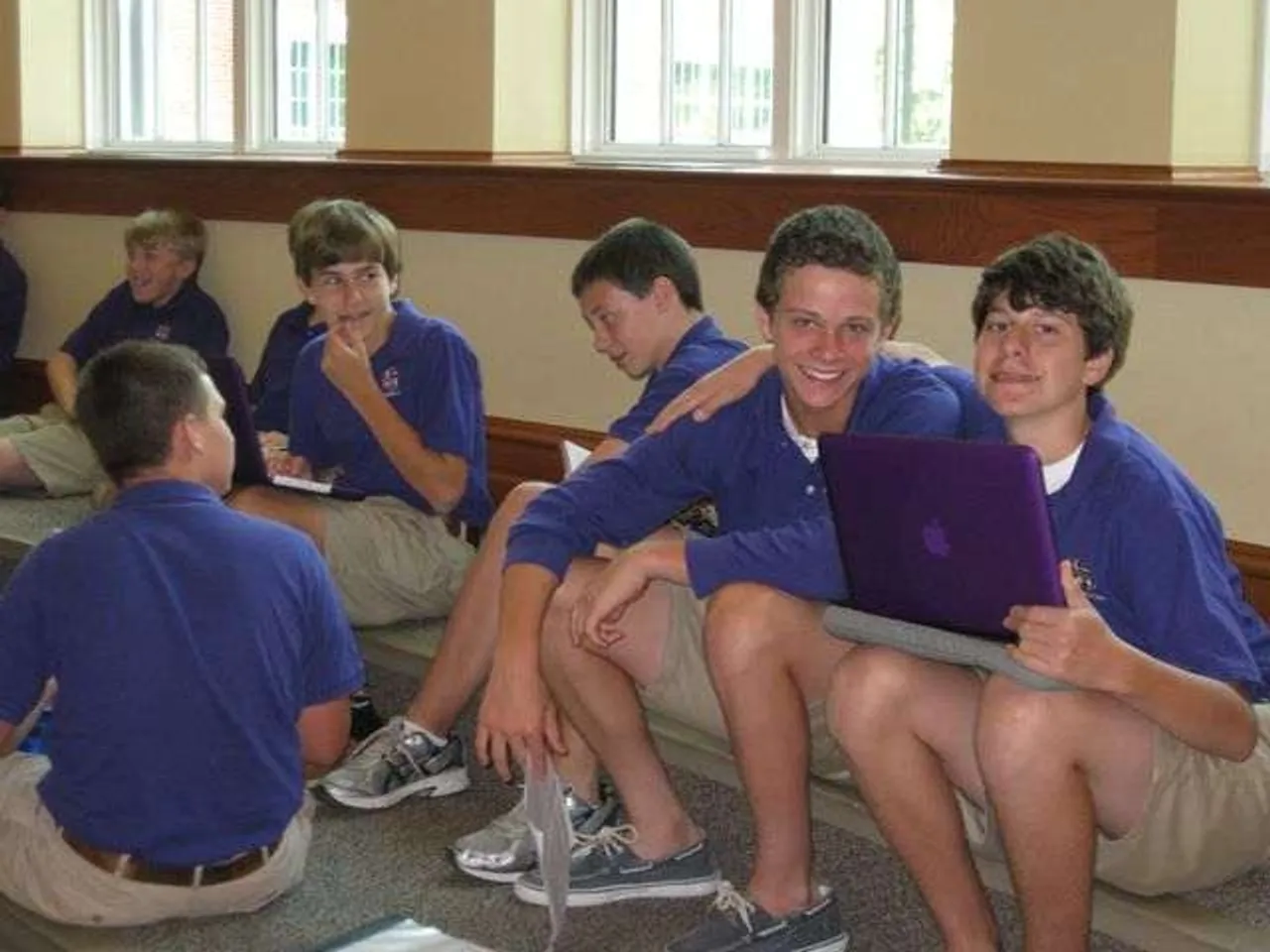
As we prepare our eighth-graders to use laptops in their everyday lives, safety is one of our highest priorities. This past week, we spent time with every eighth-grade student to drive home the expectations we have for them to be good digital citizens. Many of the topics we covered are listed below. Parents, these are also great talking points for you to reinforce at home. Safety will be a recurring theme in our work with our students. If you have any thoughts, leave a comment below!
The students engaged in classroom discussions on the topics below to get a really good understanding of how to be safe online and keep their classmates safe. While learning the basics of how to use the Macintosh, Darlington feels teaching students that their online presence and good digital citizenship is an intricate part of 21st Century learning. Gaining these good life skills is how we’ll strive to keep our students safe throughout their learning and growing experience at Darlington School.
Here is what we covered with the 8th grade:
· Classroom Responsibilities – Putting laptop in listening position, using the laptop for educational purposes during school hours, being courteous to students and teachers while using the laptop, and asking questions if confused or upset about anything.
· Email Etiquette – Never use “text speak” with teachers or formal emails, use good grammar and punctuation, never send an email while upset or mad, check for tone of email, never forward hoaxes or chain letters and never send or respond to inappropriate emails
· Texting and Online Chatting – Keeping safe and what is or isn’t appropriate
· Rules for Online Safety – Never give out personal information, tell someone if something feels wrong, privacy on social networks, never give out passwords, and never agree to meet in person someone that was first met online
· Personal Information – What to keep private and off open internet sites
· Cyberbullying – Is there a difference in a bully and cyberbully? How to stop it, never get involved in someone else doing it, and how to anonymously report it.
Guidelines for Parents:
Parents can use some simple guidelines at home to keep their children safe. Click here for some great advice about online safety and teaching kids to be good digital citizens. Visit the website to see great articles on many subjects of online safety.
Here are a few that I’ve summarized from my own lectures and the website:
· Be aware of what your student is doing online – Keep laptops and online electronic devices in a public place in the home or set limits. Engage them in other activities other than surfing the net or playing games.
· Good Digital Citizens - Encourage your children to be good online citizens as they are in person. Hiding behind the mask of their online device can cause the feeling of being “Invincible” or “incognito.” Teaching them that no one is safe or without notice online at an early age can educate them on how to protect and represent themselves well online.
· Cell Phone Use - Almost none of us are without cell phones this day and age. Keep abreast of who your child is texting and what they are texting about. Set for some guidelines with them and make them aware of the laws and implications of texting inappropriately. I’d like to share with you a few I thought were excellent rules to follow:
- No texting while they should be concentrating on something else. This includes driving –nearly half of teens admit to texting while driving – walking, and having a conversation with someone else. Firm rules about this will ensure their safety as well as their social skills.
- Establish consequences for misuse. Cheating, inappropriate messages, sexual communication these are all no-go’s. Want to make your point? Take your kid’s phone away for a week.
- Watch your own behavior. Parents are models for their kids. If you text your child during class and then tell them he or she can’t do that, you are sending mixed signals. Click here for more.
· Online safety is a parent’s constant worry but by taking just a few small steps at home can put your mind at ease.
- Visit age-appropriate sites. COPPA law tells us that no one under the age of 13 should enter private information on a website. This means Facebook, Myspace, YouTube, Twitter, etc! Click here to read more.
- Minimize chatting with strangers. If kids are playing online games with people they don’t personally know, they should be careful not to disclose anything personal.
- If they wouldn’t do it in real life, they shouldn’t do it online. Remind them: Don’t say mean things, and don’t cheat in games or at school.
- Talk about privacy. Remind your kids that when they post something online, they lose control of it.
- Make sure kids feel safe reporting bad behavior. It doesn’t have to be you, but if anything suspicious, mean, or scary happens, they need to know they won’t get in trouble if they tell a trusted adult. Click here to read more.
- Cyberbullying – As we move into this cyber-age, unfortunately so does bullying. Humiliation is the number one factor in bullying and the use of electronics has made that more public and much more widespread. Educating students on the consequences and damage cyberbullying can help take a stand against it. Take time to read this article to see what you can do to help us stop this kind of behavior.
As we set forth into 21st Century learning, we are empowering our children with the life skills they need to stay safe. My door is always open for any questions or concerns about any of these topics I’ve covered in my blog. Feel free to comment, come by or give me a call at any time.