
Technology
Preparing students for careers
that don’t even exist yet.
Apple Distinguished Schools like Darlington School are centers of leadership and educational excellence, with a clear vision for how technology-rich environments support learning goals. In Apple Distinguished Schools, forward-thinking leaders and their communities work to inspire, imagine, and impact teaching and learning, and they have documented results of academic accomplishments.
Since 2016, Darlington School has been recognized as an Apple Distinguished School. While the specific criteria may change each renewal cycle, the foundation remains the same. Apple Distinguished Schools must have established one-to-one programs, innovative use of the Apple platform, leadership and faculty proficiency with technology, and continuous innovation. Darlington School leads the way as one of the select schools to meet the standards and be a four-time Apple Distinguished School.
TECHNOLOGY INTEGRATION
All students learn to connect.
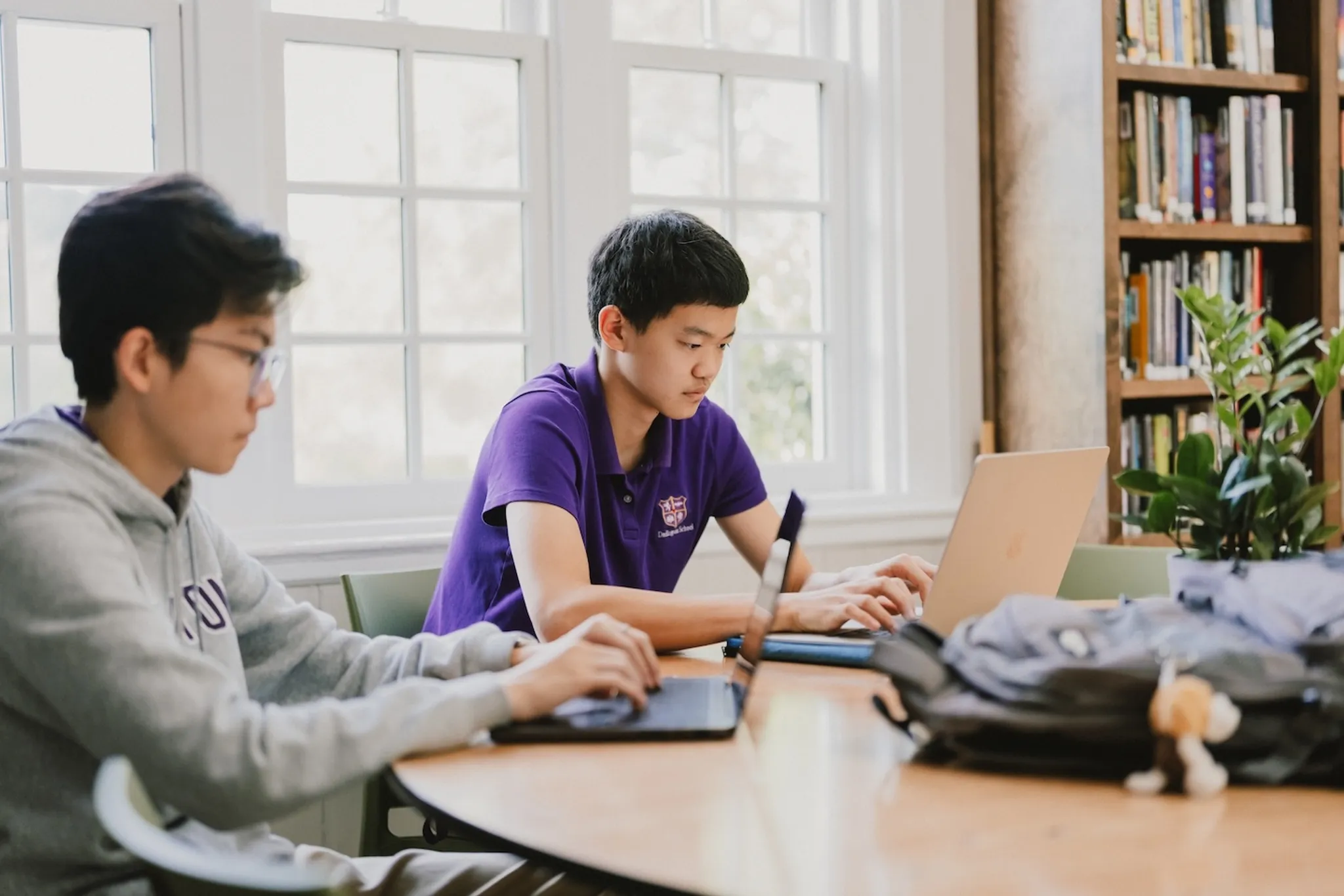
Technology is integrated into all aspects of learning at Darlington School. Darlington has a responsibility to develop students who are digitally capable, literate, discerning, and responsible. We believe that the best way to accomplish this goal is to create a technologically-infused environment in the classroom and throughout all learning environments.
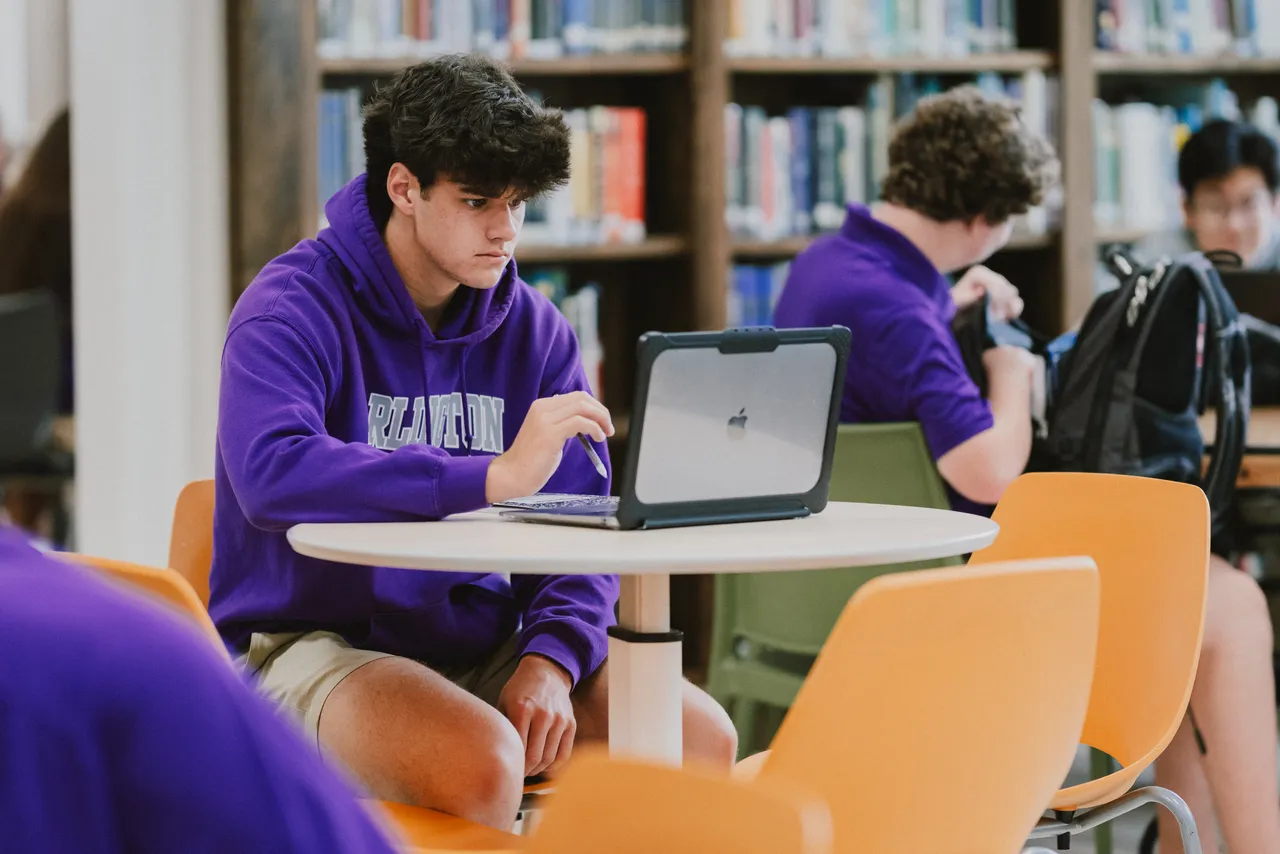
All Darlington students have an individual iPad or MacBook Air. This not only connects our students to online academic resources, but prepares them for a technologically connected world while allowing them to research and work independently.
SPECIALIZED CURRICULUM
Learning to innovate.
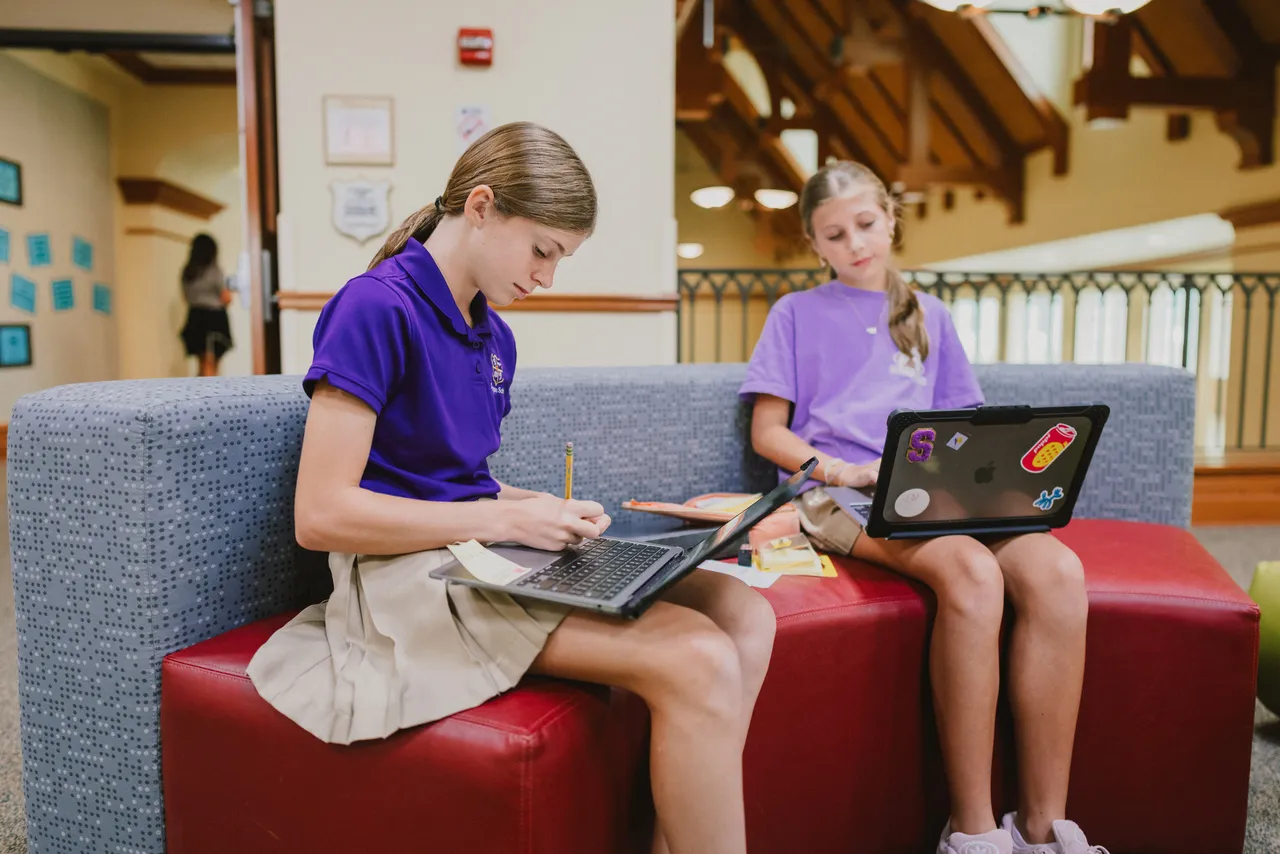
While all students are given a higher level of technology literacy, more specialized technology classes are also an essential part of our curriculum. Our middle grades students have the opportunity to take Introduction to Engineering and Design as well as Robotics Courses while our Upper School students can elect to take courses in the areas of robotics, computer science, engineering, and media arts.
MAKERSPACE
Discovering and exploring with STEM.
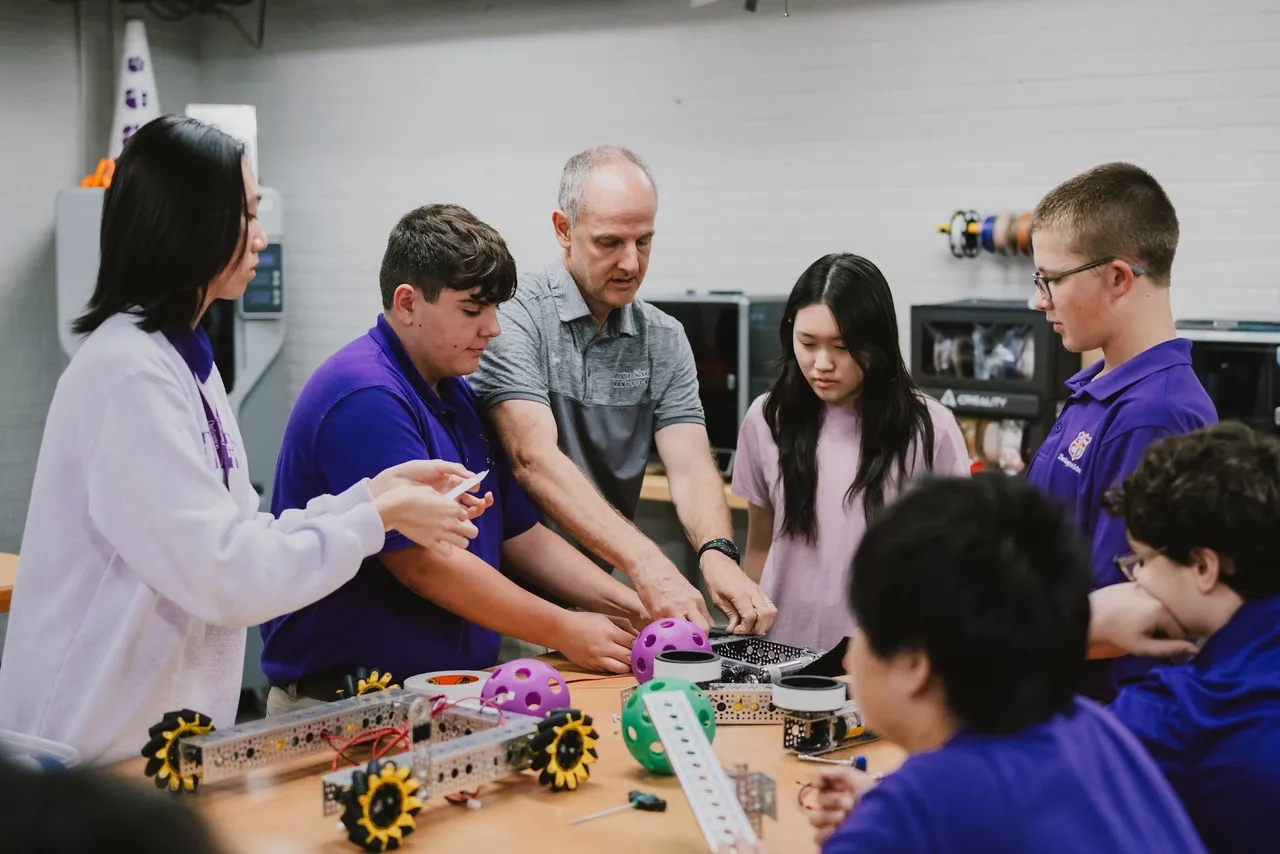
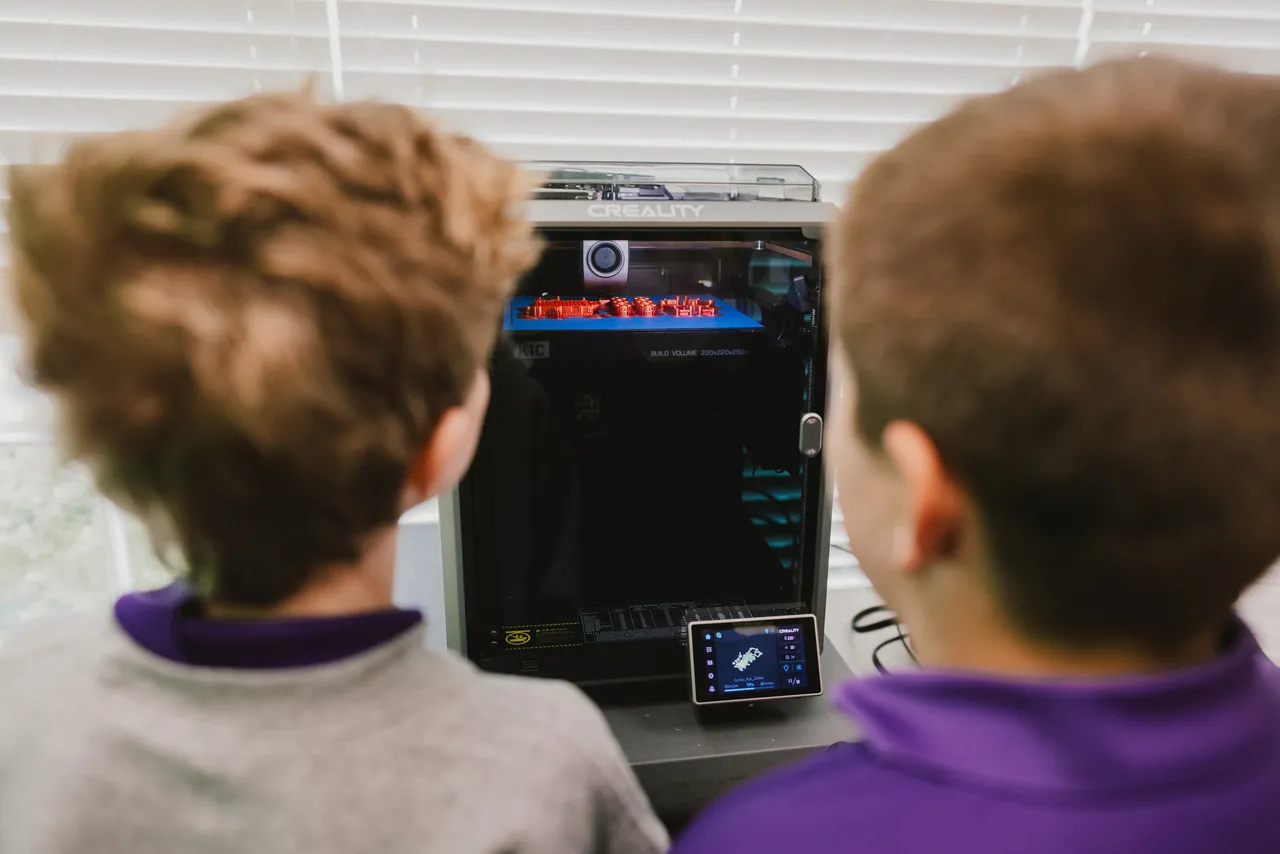
Technology integration at Darlington has also expanded to classroom STEM activities (Science, Technology, Engineering, and Math), and student makerspaces and dedicated faculty are available for students in both Pre-K to 8 and Upper School divisions.
A GLOBAL COMMUNITY OF EXCELLENCE
Is it rare to be named an Apple Distinguished School?
Yes! As of 2023, only 889 schools in the world have received the recognition as an Apple Distinguished School. Those schools, located in 27 different countries, all have a common goal to Inspire, Imagine, and Impact. Learn more by visiting Apple Education’s website.
Technology Resources
Frequently Asked Questions
WHAT TYPE OF DEVICES ARE STUDENTS PROVIDED?
Darlington's one-to-one program begins in kindergarten, with students receiving iPads in kindergarten through fifth grade and MacBooks in grades 6-12. Beginning in fourth grade, students are able to take their devices home each school night, weekends and over breaks, including summer.
DOES THE SCHOOL SELL LAPTOPS TO PARENTS?
No. Students are provided devices to use while they are attending school at Darlington, but the devices are not for sale when students graduate or elect to no longer attend school at Darlington.
WHAT IF I HAVE PROBLEMS WITH A PERSONAL DEVICE SUCH AS LAPTOP OR MOBILE DEVICE?
The Darlington I.T. Office can help with connection issues to the school's network, internet, servers and printers. We can also offer advice for other issues but cannot make general repairs or provide involved software assistance (i.e. virus removal, system recovery, corrupt files, etc.). If a repair is needed, we can recommend a local computer repair vendor.
HOW DO I CONNECT TO THE INTERNET WITH MY PERSONAL LAPTOP OR MOBILE DEVICE?
The school network has wireless access points in all buildings which provide network connections. The network is secured and requires a network key for access. If you bring your own computer to school, visit the I.T. Office for connection instructions.
WHERE IS THE I. T. OFFICE LOCATED?
The I.T. Office is located on the first floor of Porter Hall for grades 9-12 and on the first floor of Thatcher Hall for Pre-K to 8.
WHERE DO I SAVE MY FILES, PROJECTS AND ASSIGNMENTS?
Students and faculty are provided with unlimited cloud storage through their School Google Apps account. This can be used to store documents, any projects, and pending research. We recommend USB flash drives or hard drives for storing or backing up personal files. Personal data should always be backed up in case the laptop needs some type of repair. The I.T. Office is not responsible for backing up student data.
WHAT OPERATING SYSTEMS DOES THE SCHOOL SUPPORT?
We can support most operating systems on our network, with the most popular being Mac OS. Mobile devices also work well on our network.
CAN I LOAD OTHER SOFTWARE ON THE IPAD OR MACBOOK?
Yes. Using technology for educational and personal uses is important and we want the school-provided device to be the only one your student will need. However, as a tool for your education, it is of the highest importance that you protect your laptop and maintain its stability. Adding anything to your laptop can affect its stability. We, therefore, suggest that you exercise careful judgment before installing software or hardware that may disrupt your computer use or violate the school's Technology Acceptable Use Policy.
IF MY STUDENT BRINGS HIS OWN IPAD OR LAPTOP, CAN THE TECHNOLOGY FEE BE REFUNDED?
No. The Technology Fee offsets the cost of not only the device, but also things like software, support, maintenance, insurance, loaners, networking, etc., which help ensure each student can be as productive as possible and teachers can rely on each student's device working alike. Additionally, students are required to use their Darlington issued devices in all classes unless specific permission was granted from the classroom teacher for students to use their personal device.
IS THE TECHNOLOGY FEE A ONE-TIME FEE FOR FOUR YEARS OR SHOULD WE EXPECT THIS EACH YEAR?
The Technology Fee is an annual fee. The fee is used to offset many costs associated with the program, including the cost of the device over its lifetime, software, insurance, wireless access, internet service, support, and maintenance. Devices are currently replaced after four years of service.
I AM CONCERNED THAT THE IPAD/ MACBOOK IS THE ONLY SOURCE OF TEXTBOOK WE WILL HAVE. IS THERE A POLICY REGARDING ISSUES WITH POWER FAILURES OR NEGLIGENT SERVICE PROVIDERS?
There is no policy regarding the impact of power failures and loss of internet access at home as it relates to homework or school work, the assumption being that these services will be available. Many activities would continue to be performed without power or Internet if a student has a charged device. Otherwise, our teachers are very understanding when responsible students have technical issues at home. One of the 21st Century skills we aim to teach our students is how to cope with technical problems, make alternative plans, and plan ahead for contingencies!
IS THE PURPOSE OF LAPTOPS TO MOVE TO ALL ELECTRONIC TEXTBOOKS AND ASSIGNMENTS? IS THE COST OF ELECTRONIC TEXTS NOW IN OUR TUITION, OR WILL THERE BE AN ADDITIONAL CHARGE LATER ON?
The main purpose of integrating technology into the curriculum is to better prepare our students to be 21st Century citizens, support creation, and provide access to educational information. All students pay a Curriculum Fee, which covers digital textbooks and most other required learning resources. The fee is $200 for all grades and is paid for during online enrollment. The school is always looking for the best way to provide the best learning resources to its students and teachers.
CAN STUDENTS USE THIS COMPUTER OVER THE SUMMER?
Current students reenrolled in good standing for the following year will be able to take the device home for use over the summer. For students changing devices from one year to the next (i.e. rising fifth-graders moving from an iPad to a MacBook), they will receive the new device before summer. Kindergarten through third grade students will not take their devices home over the summer as they do not take their devices home throughout the school year. Additionally, rising fourth-graders will receive and take their devices home for the first time after the start of their fourth grade school year and not over the summer. New students will receive their device at the beginning of school.
ARE STUDENTS ABLE TO WATCH STREAMING PLATFORMS ON THEIR DEVICE AT SCHOOL IF HOOKED UP TO A PARENT’S ACCOUNT AND CAN THEY VIDEO CONFERENCE WITH OTHERS?
Yes, students in grades 6-12 may do this outside of the school day and established study hall hours. During the school day and study halls, though, computers should only be used for educational purposes only at the direction of their teachers.
Digital Citizenship
Digital Citizenship is a holistic and positive approach to helping children learn how to be safe and secure, as well as smart and effective participants in an increasingly digital and AI-powered world. Darlington is committed to teaching all students how to become positive digital citizens. That means helping them understand their rights and responsibilities, recognize the benefits and risks of emerging technologies, and realize the personal and ethical implications of their actions. Our academic technology coordinator teaches digital citizenship, in all curricular disciplines, and focus on four key areas:
- Safety & Security: Understanding the risks that we face from others as well as from our own conduct, and the dangers posed by applications like viruses and phishing.
- Digital Literacy: Learning how to find, sort, manage, create, and communicate information in digital forms. Students also learn to critically evaluate information found on the Internet and generated by AI.
- AI Literacy: Developing the knowledge and skills to understand, evaluate, and responsibly use artificial intelligence tools. Students learn how AI works at an age-appropriate level, recognize its strengths and limitations, think critically about AI-generated content, use AI as a tool to support learning and creativity, and understand the ethical considerations of using AI responsibly.
- Ethics & Community: Becoming aware of and practicing appropriate and ethical behaviors in a variety of digital environments. This area includes shaping a positive digital reputation, using AI responsibly and transparently, respecting intellectual property, and being a responsible citizen of the communities in which you participate, from social networks, to games, to neighborhood civic forums.
Technology Integration Scope and Sequence
Digital Literacy, Computer Science & AI Standards